
Descripción
A simple and nice plugin to get auto country flag from user ip address on gravity form phone field. If the installation is okay, go to gravity forms dashboard. Add a phone field on your form. Open phone field and you will see to enable smart phone field checkbox. Click that checkbox and configure as you want. And save form. You’re done!
View Pro Demo | Documentation | Buy Pro
Premium Features
- Live validation.
- Prevent submit form with wrong validation.
- Multi step support.
- Multiple phone field.
- Multiple form in single page.
- Custom validation message.
- Add country code automatically.
- Gravity Perks nested form support.
- Three flag option and more.
Requirements
- PHP 5.6
- Gravity Forms 2.0.0, 2.5.0, 2.7.0 or higher
Capturas
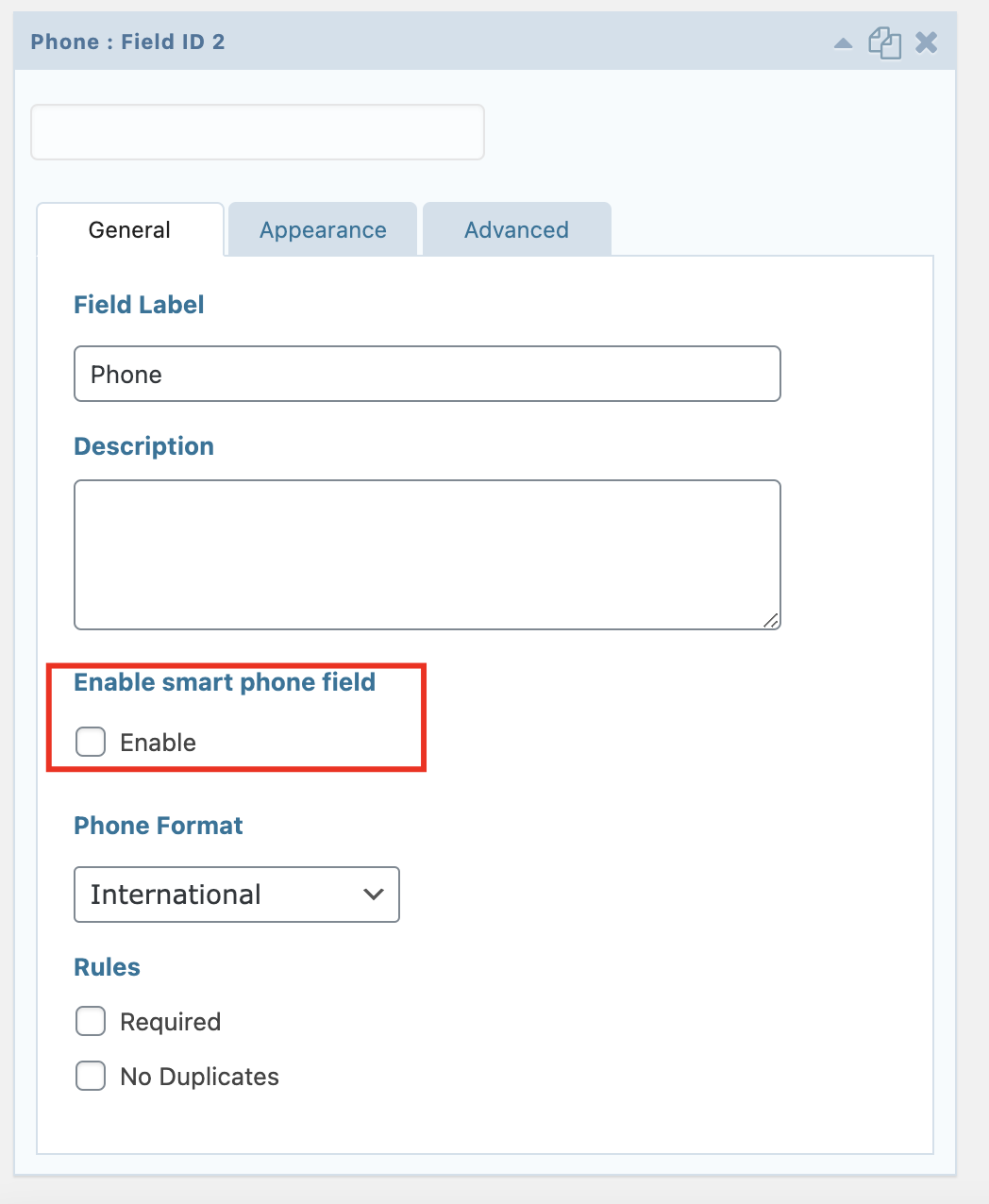
Add phone field on gravity form editor 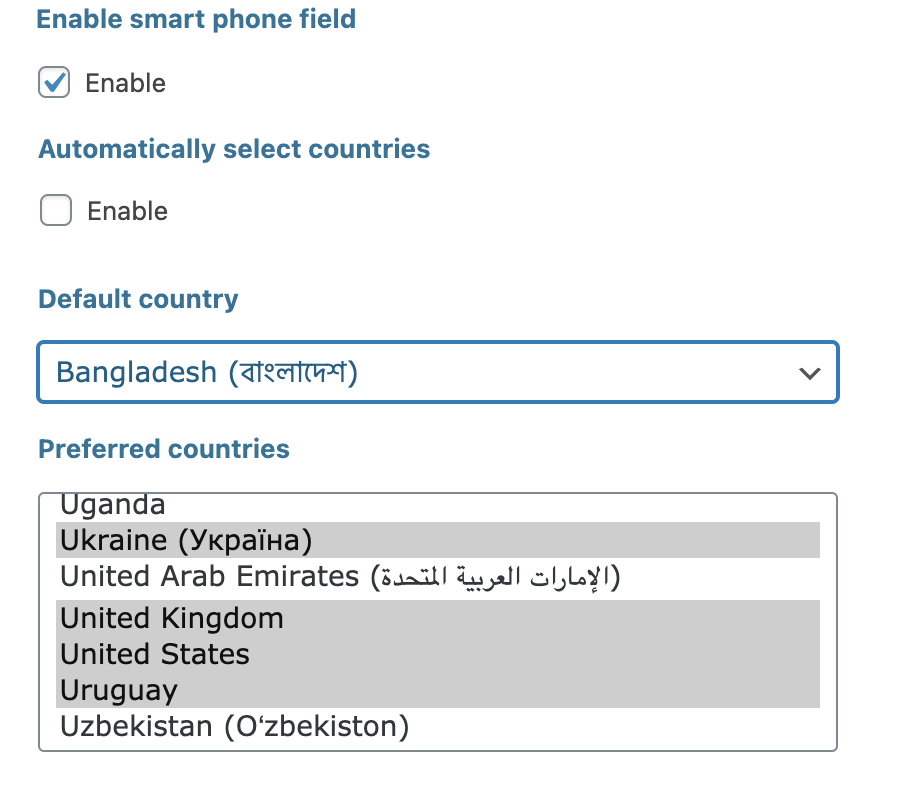
Add your default country from dropdown and select preferred countries 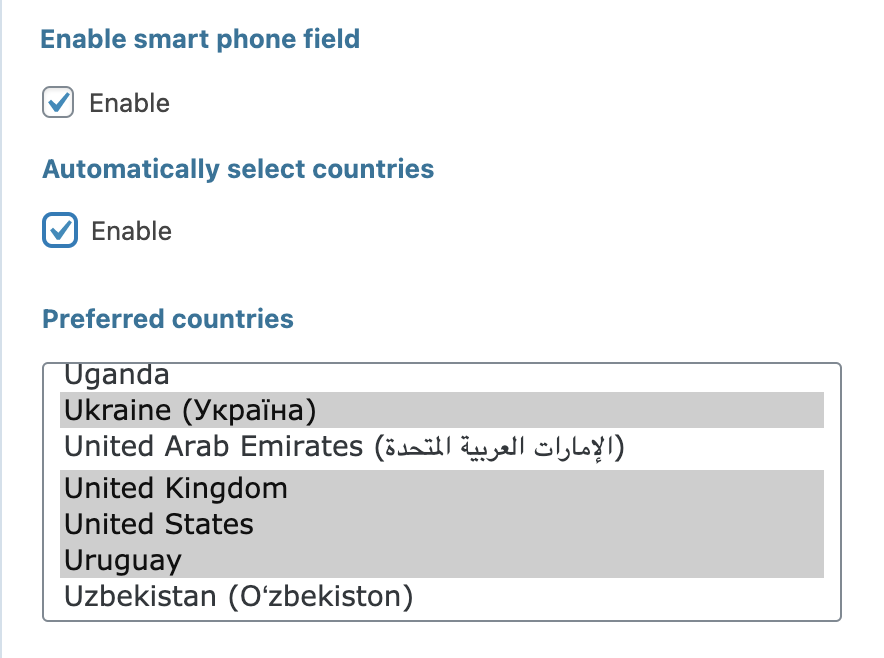
Or enable automatically show country 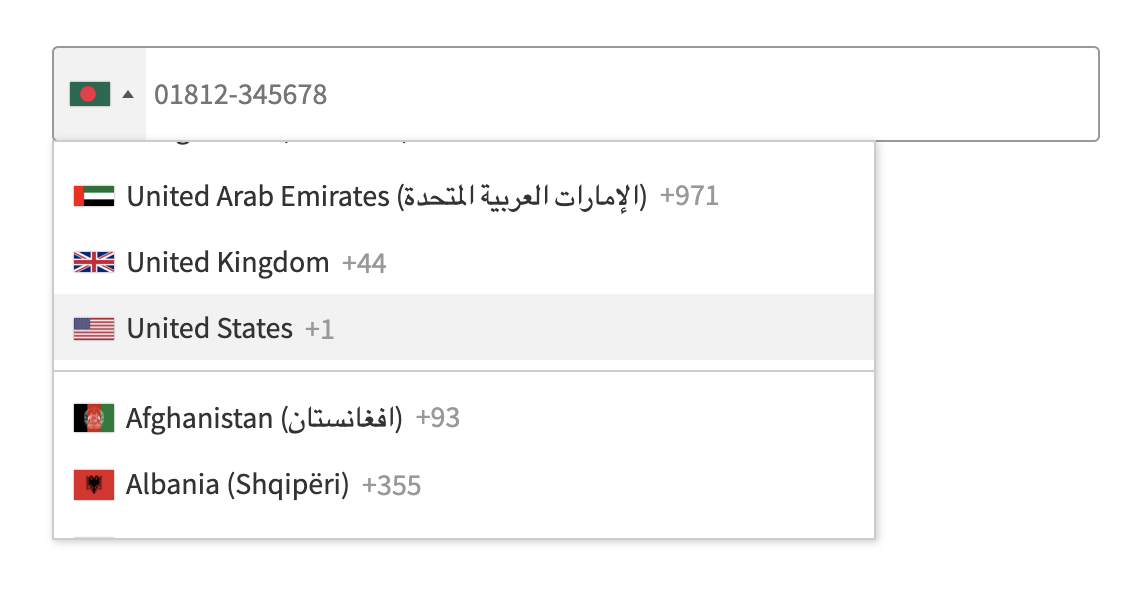
Open form in your website page and you will see country flag with phone format 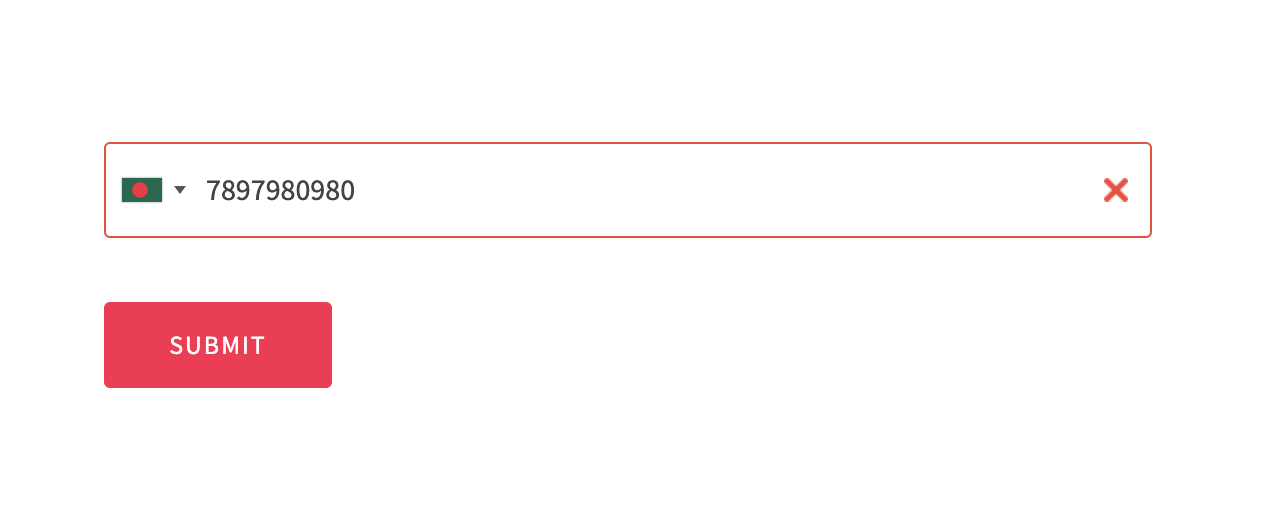
When you type wrong number format, it will be show error notification. 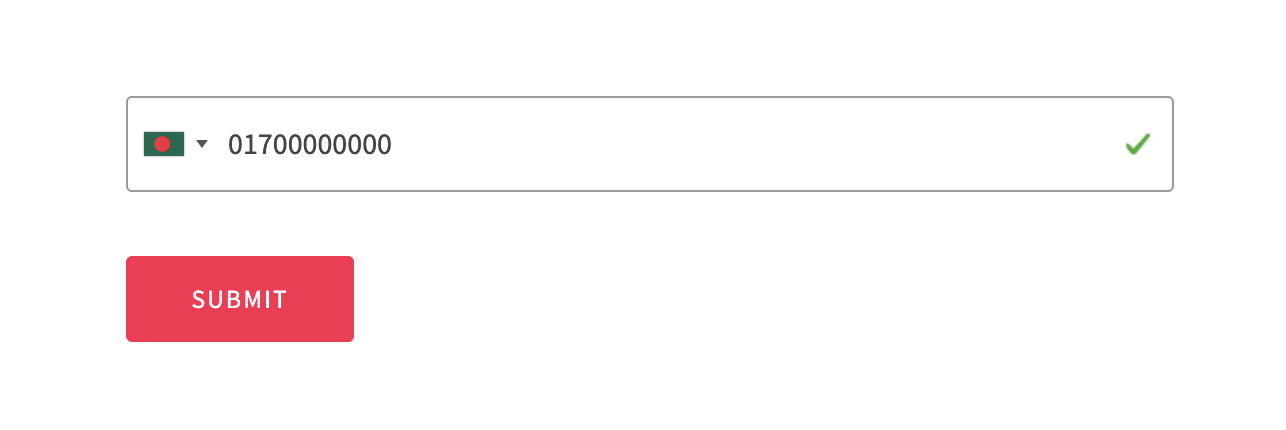
With write correct format, you will see valid notification.
Instalación
Installation is fairly straight forward. Install it from the WordPress plugin repository.
FAQ
-
Is this plugin captcha country code?
-
Yes, It captures the country code with a phone number and is supported with multistep.
-
Is it working with the auto-detect country flag?
-
Yes, It will work in all popular browsers. In the opera browser, you have to disable ad-block. Opera browser doesn’t send data to the plugin and it will not work. You can check more info from here.
https://github.com/jackocnr/intl-tel-input/issues/655 -
Is the flag and style issue fixed with validation?
-
It’s fixed with a single-page form.
Reseñas


Colaboradores y desarrolladores
«Smart phone field for Gravity Forms» es un software de código abierto. Las siguientes personas han colaborado con este plugin.
Colaboradores
Traduce «Smart phone field for Gravity Forms» a tu idioma.
¿Interesado en el desarrollo?
Revisa el código , echa un vistazo al repositorio SVN o suscríbete al registro de desarrollo por RSS.
Registro de cambios
2.1
Add validation langage support
Update SDK
Fix bugs.
2.0
Fix country code issue.
Fix other issues.
1.5
Fix issue with multistep validation.
Fix country code capture issue
1.4
Fix issue pro version
Flag issue
1.3
Release pro version
Fix required field issue
Update flag option
1.2
Add country code
Fix other issues
1.1
Fix validation issue
Fix gravity forms 2.5+ update issue
1.0
- Initial Release