
Descripción
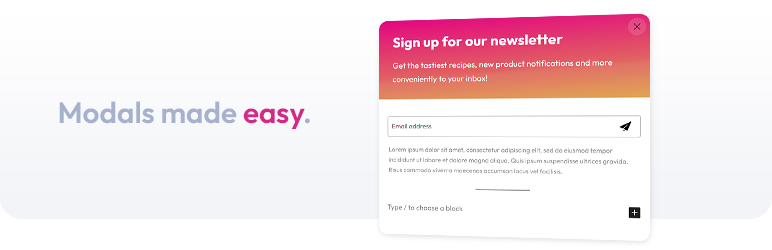
A simple yet robust solution for creating modals within the WordPress block editor.
Features
- Fully customizable using the native block editor style controls
- Trigger modal on click for any element via CSS selector
- Trigger modal on page load after X milliseconds
- Set cookie to not show modal again on page load until X minutes have elapsed
- Option for user interaction within modal triggers cookie to be set
- Custom modal width
- Optional close button
- API enabled
- Only 2kb gzipped
- Accessibility enabled
- Use modals within the query loop block
Attribution
The Light Modal block uses a modified version of the Micromodal library.
Capturas


Bloques
Este plugin proporciona 1 bloque.
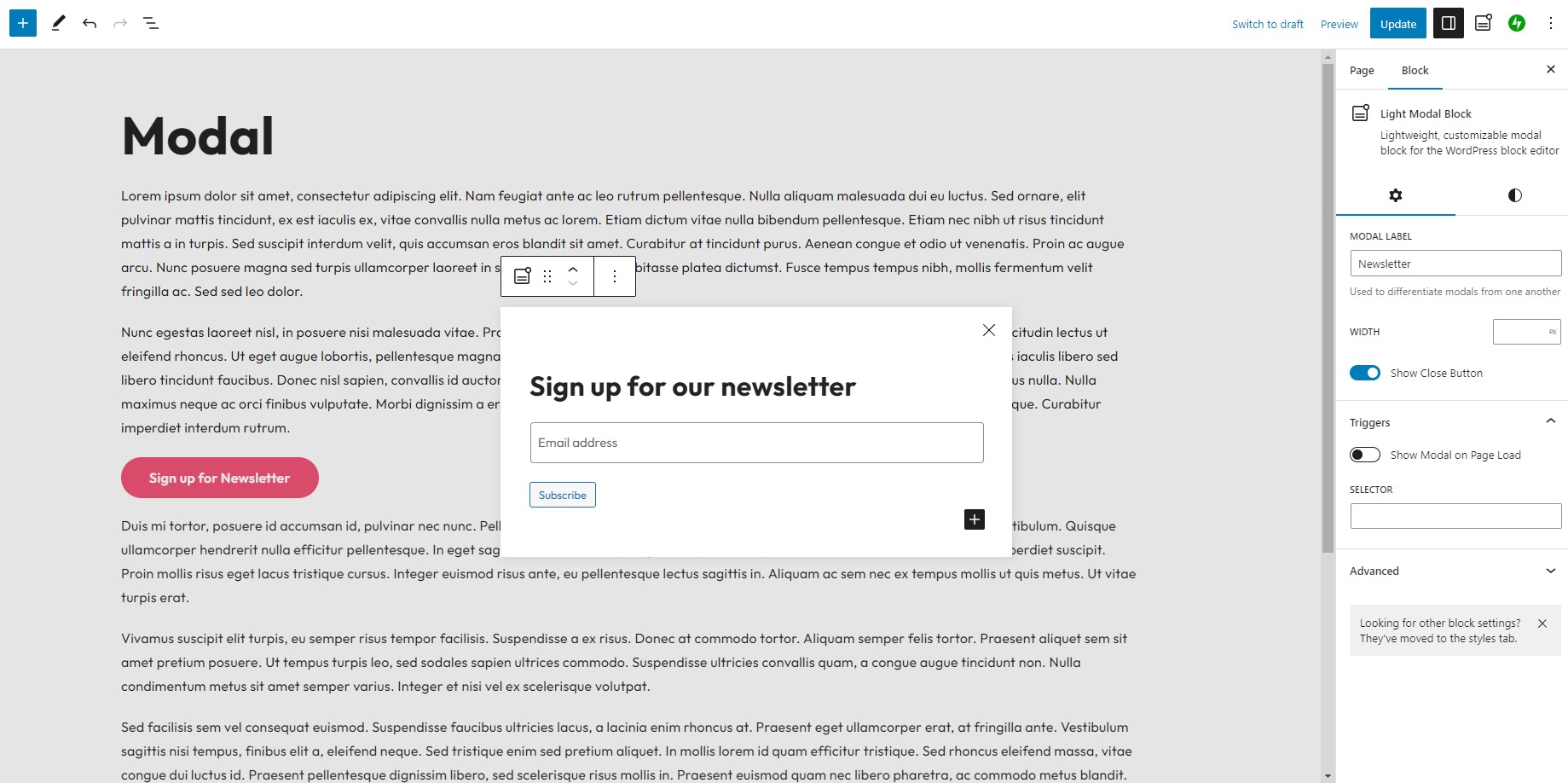
- Light Modal Block Lightweight, customizable modal block for the WordPress block editor
Instalación
- Upload the plugin files to the
/wp-content/plugins/light-modal-blockdirectory, or install the plugin through the WordPress plugins screen directly. - Activate the plugin through the ‘Plugins’ screen in WordPress
FAQ
-
How can I programatically open or close a modal?
-
Each modal is given a unique ID, which can be found inside the inspector controls of the block settings. It will look something like:
Mk6I8L4haJBTo open a modal:
window.lightModalBlocks.get('modal-id-here').showModal(true);To close a modal:
window.lightModalBlocks.get('modal-id-here').closeModal(); -
How can I prevent focusing on the first focusable element when the modal opens?
-
Paste the following code in your child themes functions.php file or similar:
/** * Prevents the light modal block from focusing on a specific element when it opens. * * @return void */ add_action( 'wp_enqueue_scripts', function () { wp_add_inline_script( 'cloudcatch-light-modal-block-view-script', 'window.lmbFocusableElements = "";', 'before' ); } ); -
How can I prevent scrolling when a modal is open?
-
The class
lmb-openis added to the<body>of the page when a modal is open. You can use the following CSS to prevent scrolling.lmb-open { overflow: hidden; } -
How can I animate the modal opening and closing?
-
Add the following CSS to your child theme to fade the modal in and out:
.wp-block-cloudcatch-light-modal-block__wrapper {
    opacity: 0;
    transition: opacity 0.3s ease, display 0.3s allow-discrete;
}

.wp-block-cloudcatch-light-modal-block__wrapper.is-open {
    opacity: 1;
}

@starting-style {
    .wp-block-cloudcatch-light-modal-block__wrapper.is-open {
        opacity: 0;
    }
}
Or, for a livelier effect, use this CSS to make the modal pop in with a springy slide and scale:
.wp-block-cloudcatch-light-modal-block__wrapper {
    opacity: 0;
    transition: opacity 0.3s ease, display 0.3s allow-discrete;
}

.wp-block-cloudcatch-light-modal-block__wrapper.is-open {
    opacity: 1;
}

.wp-block-cloudcatch-light-modal-block__wrapper .wp-block-cloudcatch-light-modal-block {
    opacity: 0;
    transform: translateY(40px) scale(0.9);
    transition: transform 0.4s cubic-bezier(0.34, 1.56, 0.64, 1), opacity 0.3s ease;
}

.wp-block-cloudcatch-light-modal-block__wrapper.is-open .wp-block-cloudcatch-light-modal-block {
    opacity: 1;
    transform: translateY(0) scale(1);
}

@starting-style {
    .wp-block-cloudcatch-light-modal-block__wrapper.is-open {
        opacity: 0;
    }

    .wp-block-cloudcatch-light-modal-block__wrapper.is-open .wp-block-cloudcatch-light-modal-block {
        opacity: 0;
        transform: translateY(40px) scale(0.9);
    }
}
Reseñas


Colaboradores y desarrolladores
«Light Modal Block» es un software de código abierto. Las siguientes personas han colaborado con este plugin.
Colaboradores

Traduce «Light Modal Block» a tu idioma.
¿Interesado en el desarrollo?
Revisa el código , echa un vistazo al repositorio SVN o suscríbete al registro de desarrollo por RSS.
Registro de cambios
1.9.2
- Fix: Prevent page scrolling when clicking an anchor which triggers opening a modal
1.9.2
- Fix: Modal not opening on some sites due to the script loading after the page was already ready
1.9.0
- Enhancement: When selecting edit modal from the plugin sidebar, automatically open the modal block settings
- Enhancement: Improve performance of
useModals()hook via leveraginggetBlocksByName()
1.8.0
- Fix: Show modal on page load no longer requiring delay input
- Enhancement: Control over autoplaying of videos and audio when a modal opens as well as pausing when it closes
1.7.1
- Fix: Unnecessary block editor scripts being enqueued on frontend
1.7.0
- Enhancement: Improve acessibility of modal triggers for the Button block
1.6.0
- Enhancement: Add event listeners for modal ready, open and close
1.5.0
- Enhancement: Add body class
.lmb-openwhen a modal is currently open on the page - Enhancement: Add ability to set cookie on timed modals when user interacts with content in the modal
- Enhancement: Close icon / close background color controls
- Enhancement: Add ability to change/remove focusable elements when a modal is opened
- Chore: Update block to block version 3
- Chore: Update minimum WordPress version support to 6.6
1.4.0
- Enhancement: Support for modals within a query loop block
1.3.2
- Fix: Unique modal ID not generating when duplicating block
1.3.1
- Fix: When editing a pattern with a modal block, open modal by default
1.3.0
- Enhancement: Add support for drop shadows
1.2.1
- Fix: Modal blocks not showing in sidebar or advanced controls if a nested block
1.2.0
- Enhancement: Add typography style controls
1.1.1
- Fix: Block editor toolbar crash
1.1.0
- Fix: Add backdrop color control
- Enhancement: Set cookie to not display modal again until X minutes have elapsed
- Enhancement: API to programatically open and close modal
1.0.1
- Fix: Update CSS styling
1.0.0
- Initial release