

Descripción
MerchantKits Attendance Manager brings simple, powerful attendance tracking and leave management to your WordPress dashboard. Built for small businesses, it covers the full cycle: employees, shifts, clock in/out, leave requests and approvals, reporting, and optional AI-powered insights.
Key features
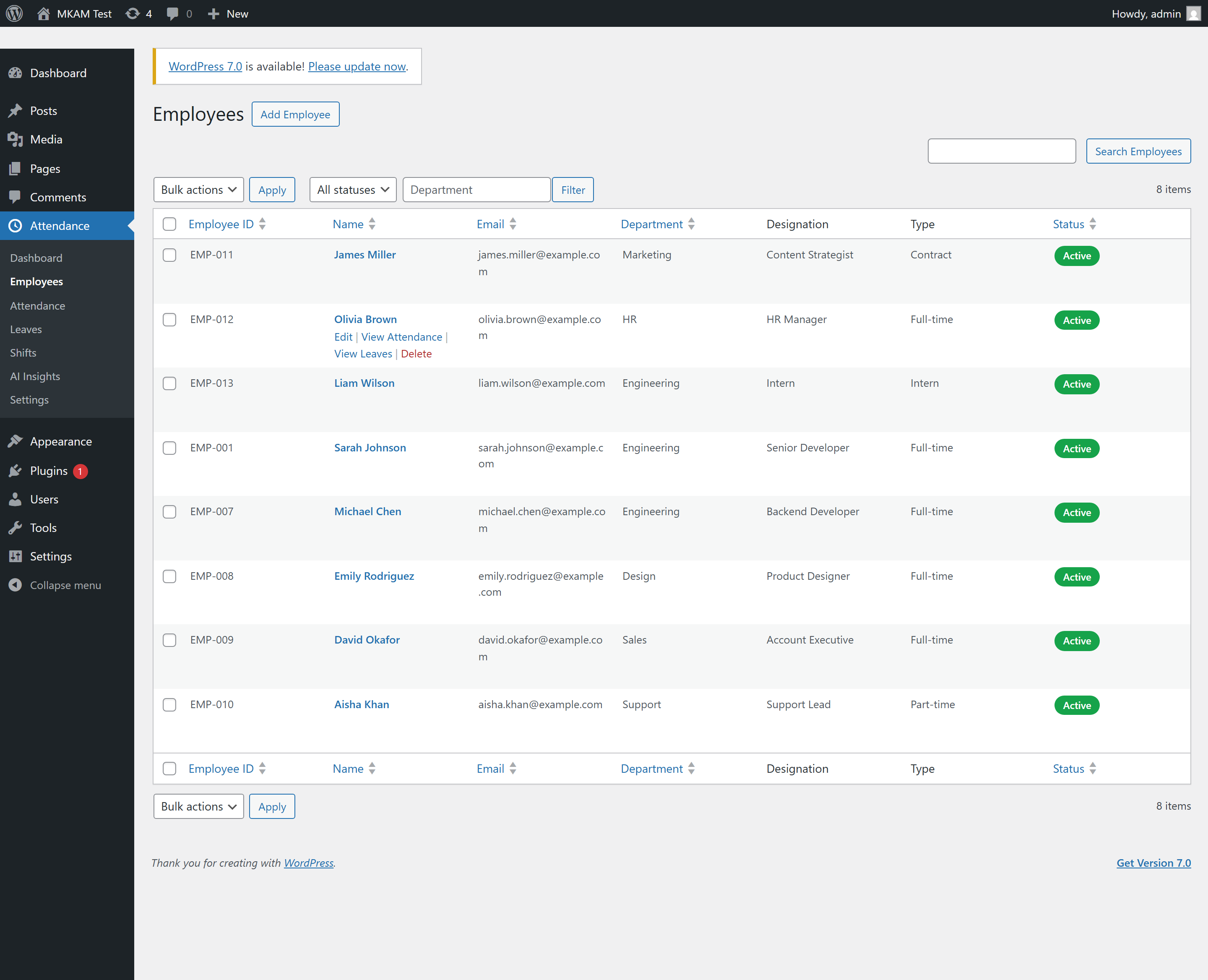
- Employee management — add employees, link them to WordPress users, assign shifts, and track employment type and status.
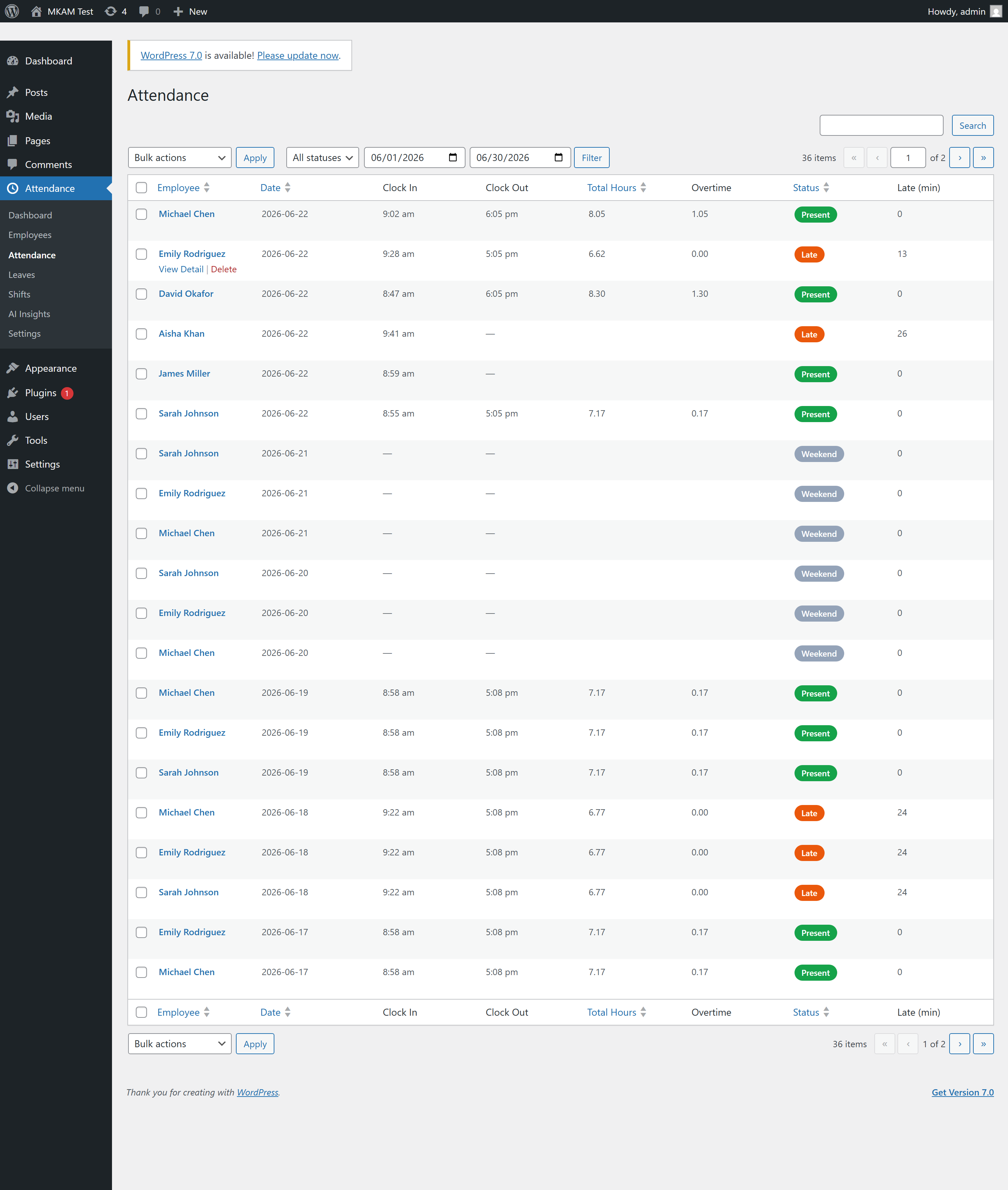
- Clock in / out — via the
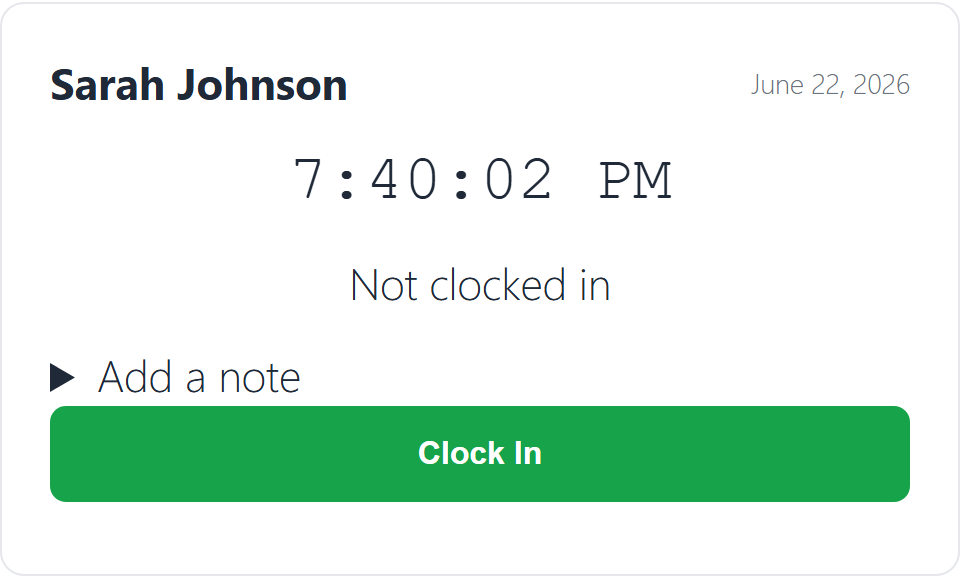
[mkam_clock_in]shortcode or the REST API. Captures IP and optional geolocation, detects lateness, and calculates worked hours and overtime. - Shifts — flexible shift definitions with grace periods, working days, breaks, and overnight support.
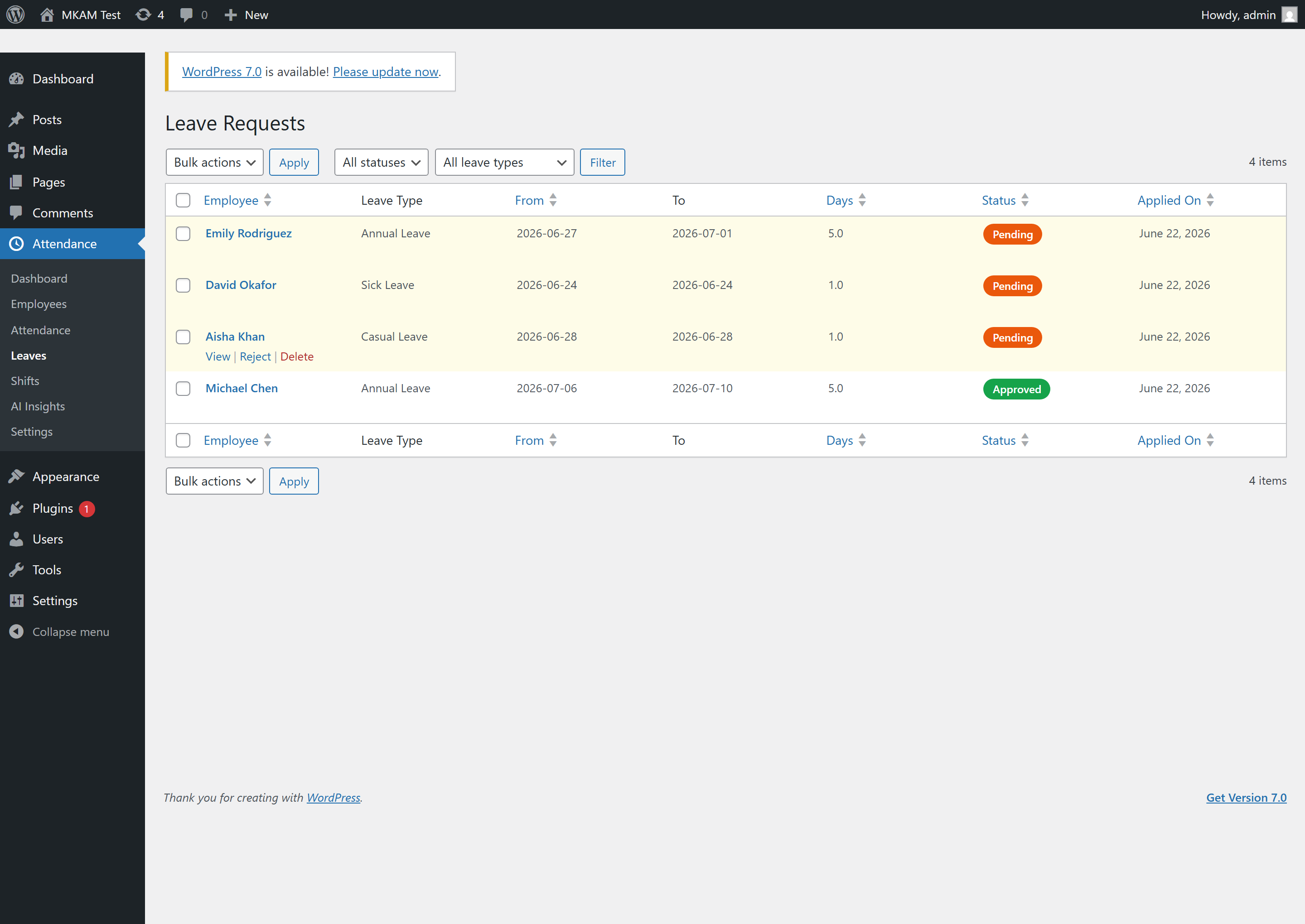
- Leave management — leave requests with balances, overlap detection, minimum-notice rules, approval workflow, and email notifications.
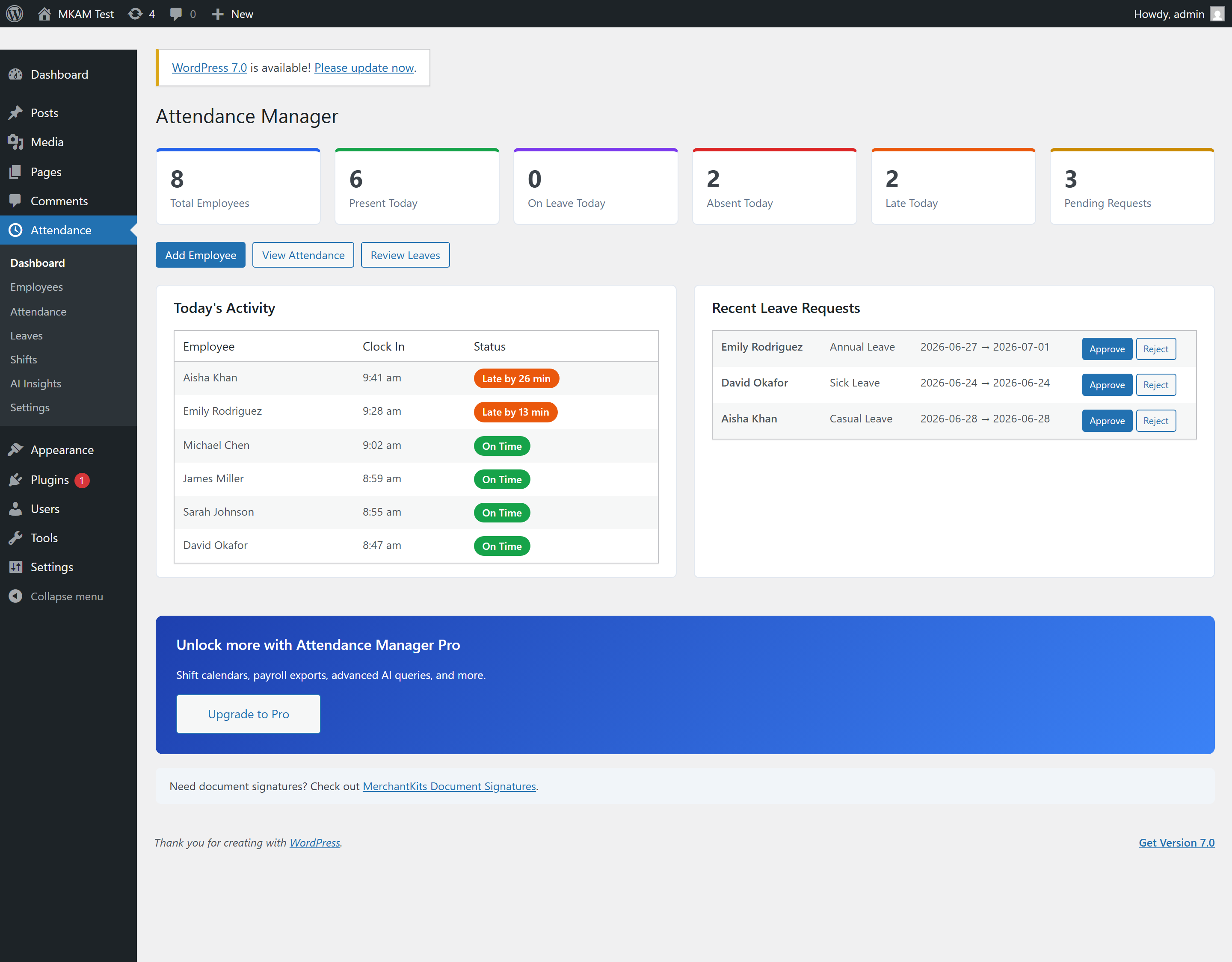
- Admin dashboard — at-a-glance stats, today’s activity, and one-click leave approvals.
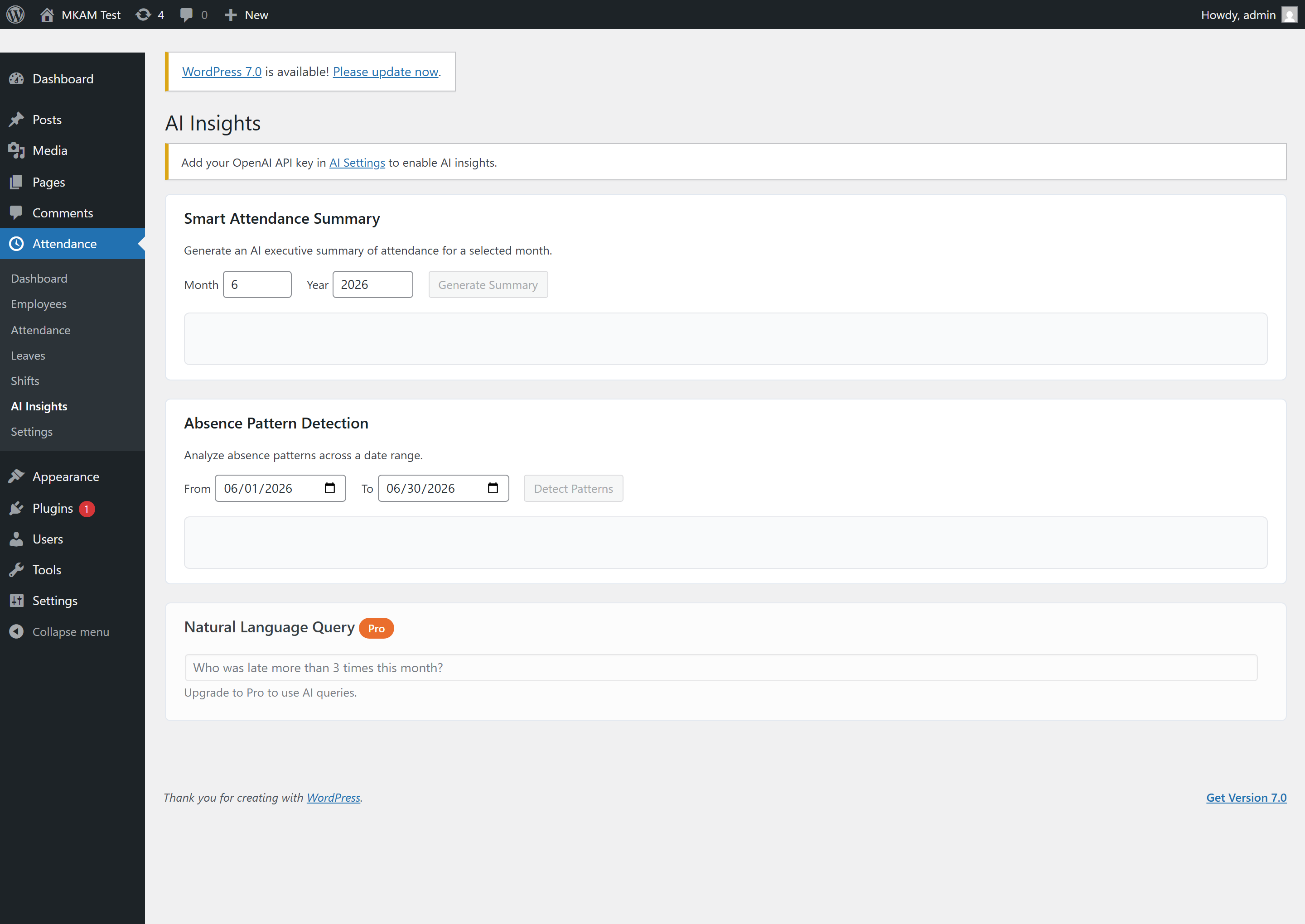
- AI Insights (BYOK) — generate smart attendance summaries and detect absence patterns using your own OpenAI API key.
- Self-service shortcodes —
[mkam_clock_in],[mkam_my_attendance],[mkam_leave_request], and[mkam_my_leaves]. - CSV export — employees, attendance, and leave records.
- REST API — full
mkam/v1namespace for integrations.
Privacy / External Services
This plugin optionally connects to OpenAI’s API (https://api.openai.com) for AI-powered attendance insights.
- Data is sent only when you explicitly click «Generate Summary» or «Detect Patterns», or when you enable the optional AI weekly digest email
- The data sent includes employee names together with aggregated attendance statistics (counts of present/absent/late/on-leave days and overtime hours) for the selected period — this is required so the generated report can reference specific employees
- No other personal data (email, phone, IP address, salary, etc.) is sent
- Requires you to provide your own OpenAI API key in plugin settings
- No data is sent without your direct action (or, for the weekly digest, without you enabling that setting)
OpenAI Privacy Policy: https://openai.com/privacy/
OpenAI Terms of Service: https://openai.com/terms/
Capturas
Instalación
- Upload the plugin folder to
/wp-content/plugins/or install via the Plugins screen. - Activate MerchantKits Attendance Manager through the Plugins menu.
- Visit Attendance Settings to configure your company, attendance rules, and notifications.
- Add employees under Attendance Employees.
- Optionally add your OpenAI API key under Attendance Settings AI Settings to enable AI insights.
FAQ
-
Do I need an OpenAI account?
-
Only if you want AI insights. The plugin uses a Bring-Your-Own-Key model — add your own OpenAI API key in the settings. All other features work without it.
-
Can employees clock in from the front end?
-
Yes. Place the
[mkam_clock_in]shortcode on any page. Employees must be logged in and linked to an employee record. -
Are emails customizable?
-
Yes. Email templates can be overridden by copying them into
your-theme/mkam/email/. -
Is my data sent anywhere?
-
No data leaves your site unless you explicitly use the AI features. When you do, attendance statistics — including employee names — are sent to OpenAI to generate the insight. See the Privacy section below.

Colaboradores y desarrolladores
«MerchantKits Attendance Manager» es un software de código abierto. Las siguientes personas han colaborado con este plugin.
Colaboradores
Traduce «MerchantKits Attendance Manager» a tu idioma.
¿Interesado en el desarrollo?
Revisa el código , echa un vistazo al repositorio SVN o suscríbete al registro de desarrollo por RSS.
Registro de cambios
1.1.2
- Fixed: Approved leave days now appear as «on leave» on the employee attendance calendar ([mkam_my_attendance]).
1.1.1
- Added: Freemius integration for seamless Pro upgrades and in-dashboard license management.
- Added (Pro): Natural-language AI queries — ask questions about your attendance data in plain English.
- Added (Pro): Geofenced clock-in — restrict clock-in to within a radius of a location.
- Added (Pro): Inline leave-policy editor — add, edit, and delete leave policies from Settings.
- Added: 7-day free trial for Pro features.
- Changed: Uninstall cleanup now runs via the Freemius after_uninstall hook.
1.0.0
- Initial release.