

Descripción
AdMetric is a marketing analytics and automation platform for small and medium businesses (admetric.pro). This plugin is the connector between your WordPress site and your AdMetric account. An AdMetric account is required — the plugin does nothing useful without one.
What the plugin does
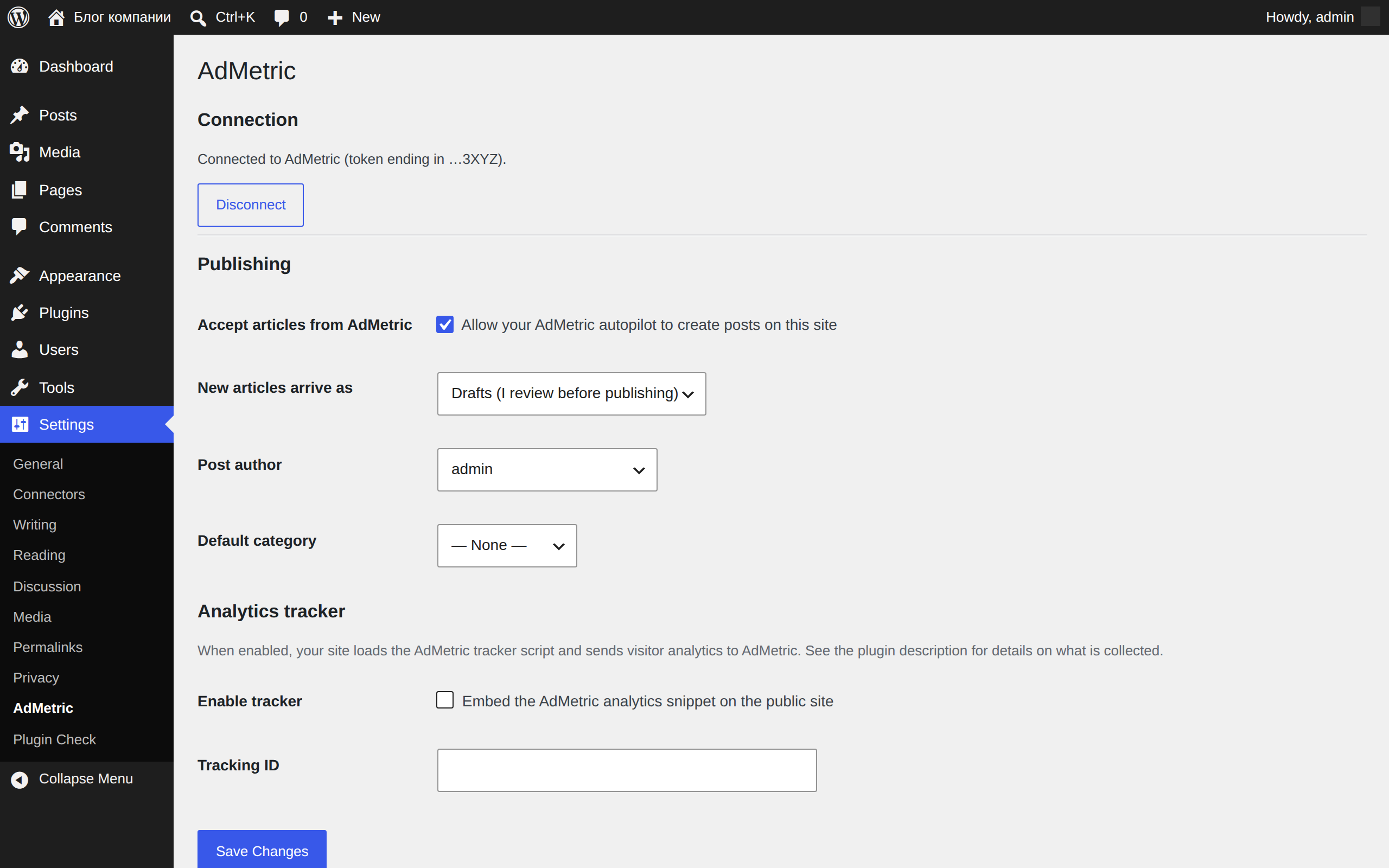
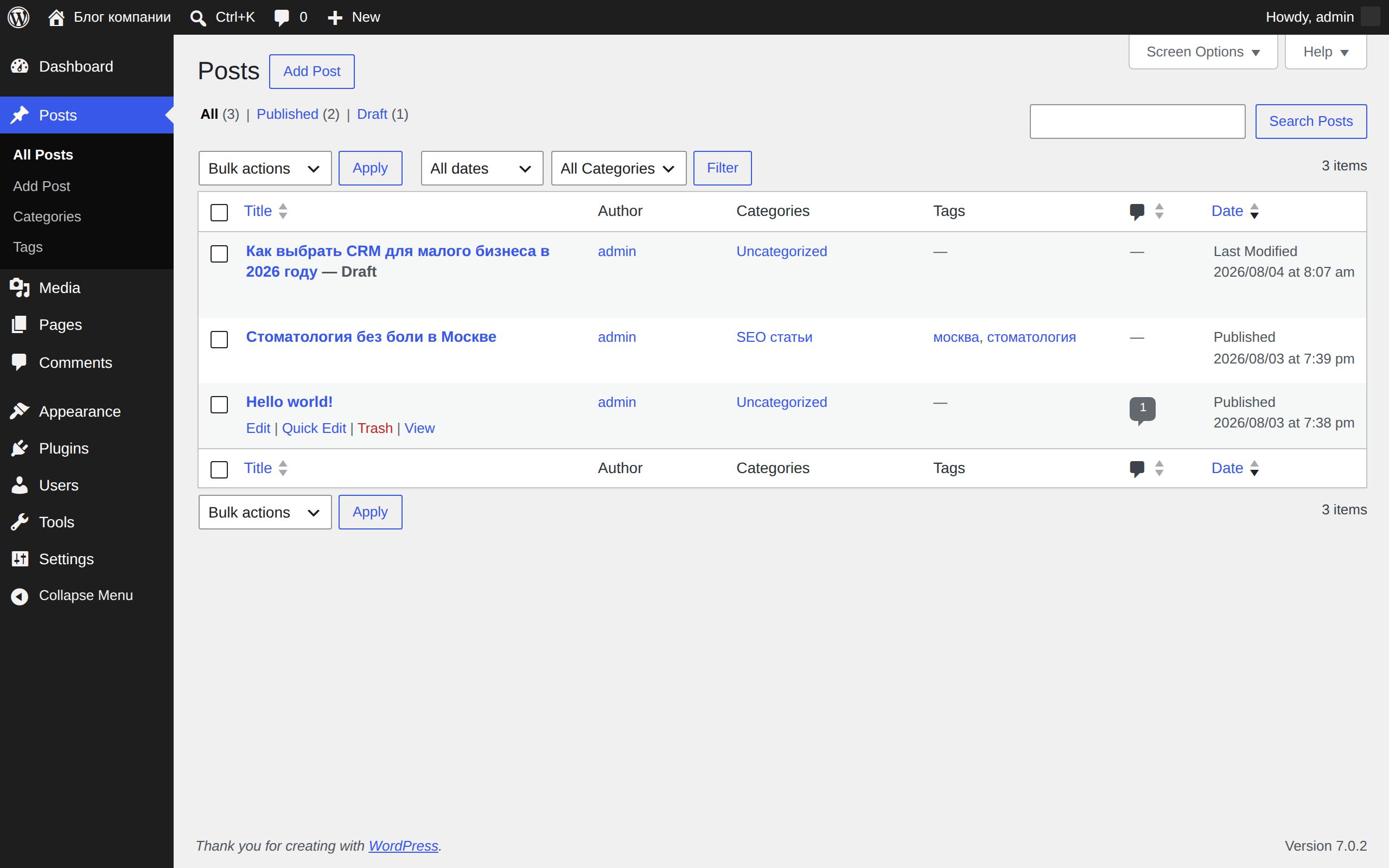
- SEO article publishing. Your AdMetric content autopilot prepares SEO articles; after you connect the site, AdMetric delivers them straight into WordPress as regular posts — with title, content, slug, excerpt, tags, categories, featured image and FAQ structured data (Schema.org FAQPage). You choose whether articles go live immediately or land as drafts for your review.
- SEO plugin support. If Yoast SEO or Rank Math is active, the SEO title, meta description and focus keyword are filled in automatically.
- Analytics tracker (optional, off by default). If you enable it and provide your Tracking ID, the plugin embeds the AdMetric analytics snippet on your public pages.
How the connection works
In Settings AdMetric, click “Connect to AdMetric”, approve the site in your account, and the plugin completes a short-lived PKCE-protected server-to-server exchange. The raw site token is never shown and only its SHA-256 hash is stored. Manual token entry remains available as a fallback. From that point AdMetric can call the plugin’s REST endpoints (/wp-json/admetric/v1/…) to publish articles and check connection status. Every request is verified against the token; you can disconnect at any time from either side.
During an administrator-initiated connection, the plugin sends the site URL, a one-time authorization code and PKCE verifier to AdMetric over HTTPS. Outside that connection exchange, content is pushed to your site by the AdMetric service over authenticated REST requests.
External services
- AdMetric platform (app.admetric.pro and api.admetric.pro). When an administrator clicks the connection button, the plugin sends the site URL, one-time authorization data and plugin version to AdMetric to pair and verify the site. Its REST endpoints then accept article content and status requests from AdMetric. Operated by AdMetric: Terms of Service, Privacy Policy.
- AdMetric tracker (only if you enable the Analytics tracker module). Your public pages load
https://api.admetric.pro/static/tracker.min.js, which sends visitor analytics (page views, referrer, browser data, on-site events) to AdMetric, associated with your Tracking ID. Logged-in editors and administrators are not tracked. Operated by AdMetric: Terms of Service, Privacy Policy. If you enable the tracker, ensure your site’s privacy policy reflects this processing. - Featured images. When a publish request includes a featured image URL, your site downloads that image (from AdMetric’s storage) into your Media Library.
Capturas
Instalación
- Install and activate the plugin.
- In WordPress, go to Settings AdMetric and click “Connect to AdMetric”.
- Sign in to AdMetric if needed and approve the site connection.
- AdMetric returns you to WordPress after the connection check completes. Manual token entry is available under “Connect manually” if needed.
- (Optional) Choose whether new articles are published immediately or created as drafts, set the default author and category.
- (Optional) Enable the Analytics tracker and enter your Tracking ID.
FAQ
-
Do I need an AdMetric account?
-
Yes. The plugin is a connector for the AdMetric platform and does nothing without an account. Plans and pricing: https://admetric.pro.
-
Can I review articles before they go live?
-
Yes. In Settings AdMetric set «New articles arrive as» to «Drafts». Every incoming article will wait for your approval in Posts Drafts.
-
What data does the plugin send to AdMetric?
-
None on its own. Content flows one way — from AdMetric to your site. If you enable the optional analytics tracker, your visitors’ page views and events are sent to AdMetric as described in the External services section.
-
How do I disconnect?
-
Click «Disconnect» in Settings AdMetric (or remove the site in your AdMetric account). Deleting the plugin removes all its settings; published posts remain yours and stay untouched.
-
Does it work with Yoast SEO or Rank Math?
-
Yes. If either plugin is active, AdMetric fills in the SEO title, meta description and focus keyword for each delivered article.
Reseñas
No hay valoraciones para este plugin.
Colaboradores y desarrolladores
«AdMetric» es un software de código abierto. Las siguientes personas han colaborado con este plugin.
Colaboradores
Traduce «AdMetric» a tu idioma.
¿Interesado en el desarrollo?
Revisa el código , echa un vistazo al repositorio SVN o suscríbete al registro de desarrollo por RSS.
Registro de cambios
1.1.0
- Added one-click WordPress connection with one-time state, PKCE S256, short-lived server-to-server pairing and activation.
- Added safe connection result, domain, status and date display while retaining manual token entry and existing REST contracts.
1.0.0
- Initial release: connection token flow, REST publishing endpoint with idempotent create/update, featured image sideloading, FAQPage structured data, Yoast SEO / Rank Math meta support, optional analytics tracker module.