
Descripción
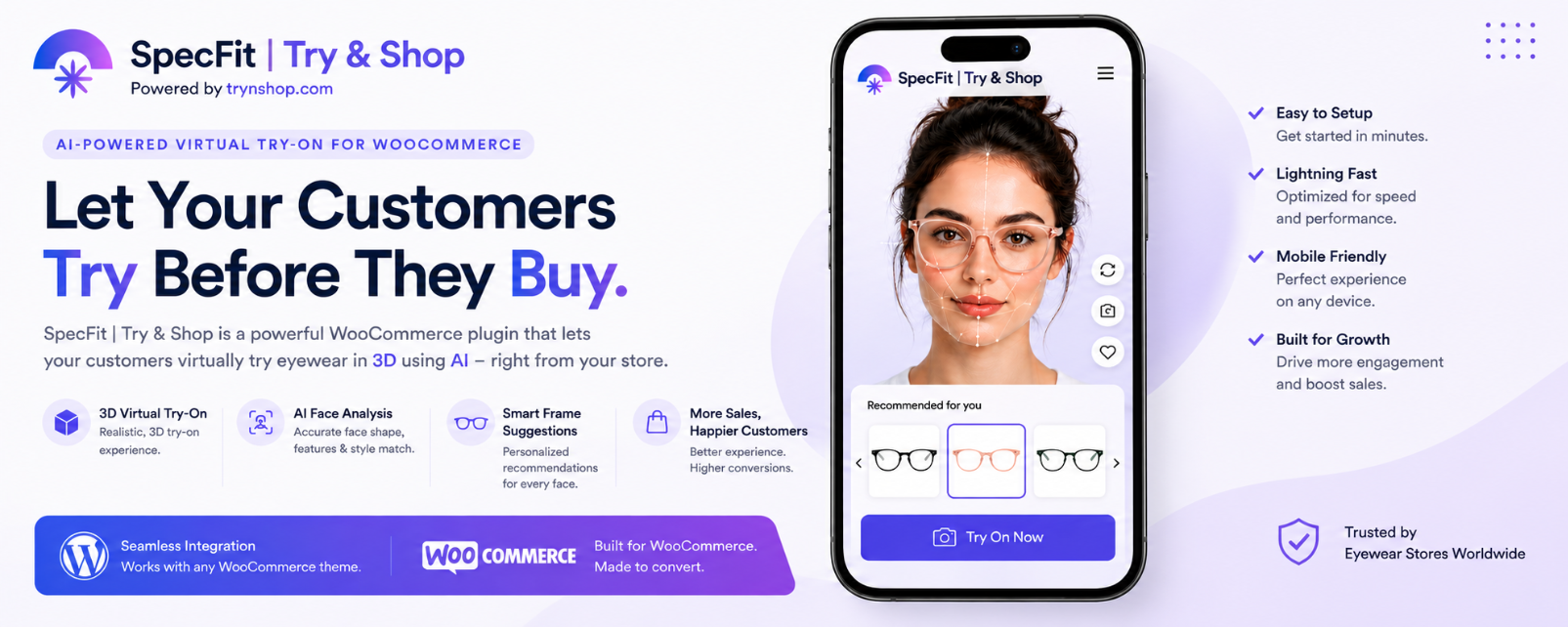
Bring the future of eyewear shopping to your WooCommerce store with SpecFit | Try & Shop, an AI-powered virtual try-on plugin designed specifically for eyewear businesses.
SpecFit enables customers to virtually try eyeglasses, sunglasses, and optical frames directly from WooCommerce product pages using mobile cameras or desktop webcams.
The entire virtual try-on technology, AI processing, product rendering, and 3D pipeline are powered by TrynShop.
More details about the platform:
https://trynshop.com/
Whether you run:
- An online eyewear store
- A sunglasses brand
- An optical showroom
- A physical retail eyewear store
SpecFit helps customers visualize products before purchasing and creates a more engaging shopping experience.
Powered by TrynShop Technology
SpecFit uses TrynShop’s cloud-powered AI virtual try-on platform for:
- AI face tracking
- 2D virtual try-on
- 3D virtual try-on
- Eyewear alignment
- Product processing
- Cloud synchronization
- Store management
- Virtual rendering optimization
Learn more about the technology:
https://trynshop.com/
Live Demos
TrynShop Demo Store
https://trynshop.com/shop/dugudlabs
WooCommerce Demo Store
https://dugudlabs.com/specfit-demo-shop/
Platform Details
https://trynshop.com/
Why Use SpecFit?
Online eyewear shopping often creates uncertainty:
- Will these glasses fit me?
- Will this frame suit my face?
- How will these frames look in real life?
SpecFit removes that friction using real-time AI virtual try-on technology powered by TrynShop.
Benefits include:
- Increased conversions
- Better customer engagement
- Reduced returns
- Higher customer confidence
- Interactive product pages
- Modern shopping experience
Free Plan Included
SpecFit includes an Always Free plan.
Free plan features:
- Up to 50 Products
- 2D Virtual Try-On
- WooCommerce Integration
- Cloud Dashboard Access
- AI Face Detection
- Mobile & Desktop Support
Perfect for small stores and businesses getting started with virtual try-on.
Premium Features
- AI-Powered Virtual Try-On
- Realistic 3D Eyewear Experience
- Automatic Face Detection
- Live Try-On via Webcam or Mobile Camera
- Smart Frame Recommendations
- Mobile Friendly Design
- WooCommerce Product Sync
- Cloud-Based Product Management
- Multiple Try-On Images
- Optimized Virtual Try-On Rendering
- Built for Online & Physical Stores
- In-Store Virtual Try-On Support
- High Performance & Fast Loading
- Easy Store Setup
- TrynShop Cloud Processing
- Automatic Asset Optimization
Built for Physical Optical Stores
SpecFit is not limited to online stores.
The plugin and TrynShop platform can also be used for:
- Optical stores
- Smart mirrors
- In-store kiosks
- Tablet-assisted sales
- Retail try-on experiences
- Eyewear showrooms
Offer customers a modern digital shopping experience directly inside your physical store.
How It Works
Step 1 — Install the Plugin
Install and activate the plugin from your WordPress dashboard.
Step 2 — Create Your Store on TrynShop
Create your store account at:
https://trynshop.com/
You will get access to:
- Store dashboard
- Product management
- Try-on services
- AI processing tools
- 3D model generation
- Product synchronization
Step 3 — Connect Your WooCommerce Store
Connect your WooCommerce website using the API credentials provided in your TrynShop dashboard.
Step 4 — Sync Your Products
Automatically sync your eyewear products including:
- Product names
- Product images
- Variations
- Frame details
Step 5 — Automatic 3D Processing by TrynShop Studio
Products are automatically processed inside TrynShop Studio.
The platform prepares:
- Try-on-ready assets
- Optimized frame positioning
- AI-aligned eyewear models
- 3D virtual try-on experiences
No advanced design or 3D knowledge required.
Step 6 — Virtual Try-On Goes Live
Once processing is complete, virtual try-on becomes available directly on WooCommerce product pages.
Customers can instantly:
- Open live try-on
- Try frames virtually
- Compare styles
- Shop with confidence
Capturas

WooCommerce product page with virtual try-on 
2d AI-powered eyewear try-on popup 
3d AI-powered eyewear try-on popup 
Admin dashboard home connection screen 
Admin- Step 2: Enter Api keys 
Admin- Step 3: Enter website url and link to store in trynshop 
Admin- Category Attribute Mapping for better results
Instalación
- Upload
try-on-for-woocommerce.zipto the/wp-content/plugins/directory - Activate the plugin through the ‘Plugins’ menu in WordPress
- Create your store account at https://trynshop.com/
- Connect your WooCommerce store using your API credentials
- Sync your eyewear products
- Wait for automatic processing by TrynShop Studio
- Virtual try-on will automatically appear on supported WooCommerce products
FAQ
-
Does this require WooCommerce?
-
Yes. WooCommerce must be installed and activated.
-
Is there a free plan available?
-
Yes. The Always Free plan supports up to 50 products with 2D virtual try-on.
-
Does this support 3D virtual try-on?
-
Yes. Premium plans support advanced 3D virtual try-on experiences powered by TrynShop.
-
Can I use this in my physical optical store?
-
Yes. SpecFit supports in-store virtual try-on experiences using tablets, kiosks, and showroom displays.
-
Do I need to create transparent images manually?
-
No. Products synced through TrynShop Studio are automatically processed and optimized for virtual try-on.
-
Does it work on mobile devices?
-
Yes. SpecFit is optimized for mobile phones, tablets, and desktop browsers.
-
Where is the virtual try-on technology hosted?
-
All AI processing, product rendering, synchronization, and virtual try-on services are powered by TrynShop cloud technology.
More details:
https://trynshop.com/
Reseñas


Colaboradores y desarrolladores
«SpecFit | Try & Shop – AI Virtual Try-On for WooCommerce» es un software de código abierto. Las siguientes personas han colaborado con este plugin.
Colaboradores
Traduce «SpecFit | Try & Shop – AI Virtual Try-On for WooCommerce» a tu idioma.
¿Interesado en el desarrollo?
Revisa el código , echa un vistazo al repositorio SVN o suscríbete al registro de desarrollo por RSS.
Registro de cambios
10.0.1
- Complete rebranding to SpecFit | Try & Shop
- Added TrynShop-powered AI virtual try-on
- Added automatic WooCommerce product sync
- Added TrynShop Studio integration
- Added support for 2D & 3D try-on
- Added physical store support
- Improved mobile performance
- UI and stability improvements