
Descripción
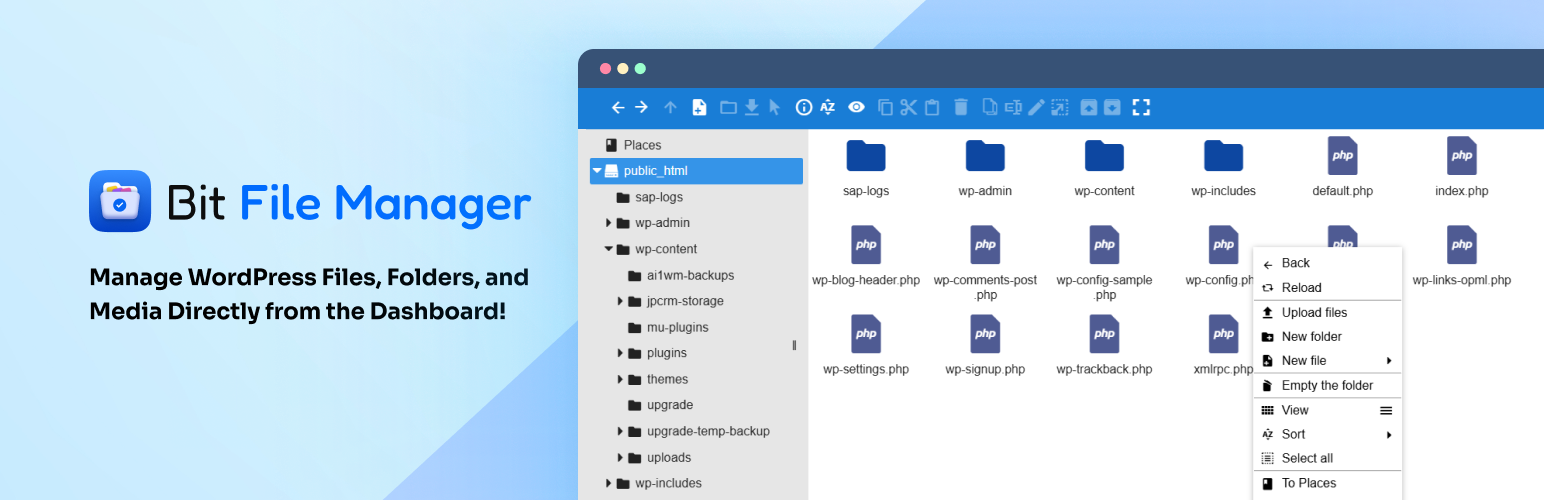
File Manager lets you manage your WordPress files easily right from your dashboard, no need for FTP or cPanel!
Bit File Manager is an advanced WordPress file management plugin with a built-in code editor. It allows you to edit, upload, delete, move, rename, archive, and extract files and folders right from your WordPress dashboard.
A secure and easy solution for file management and code editing in WordPress without FTP access.
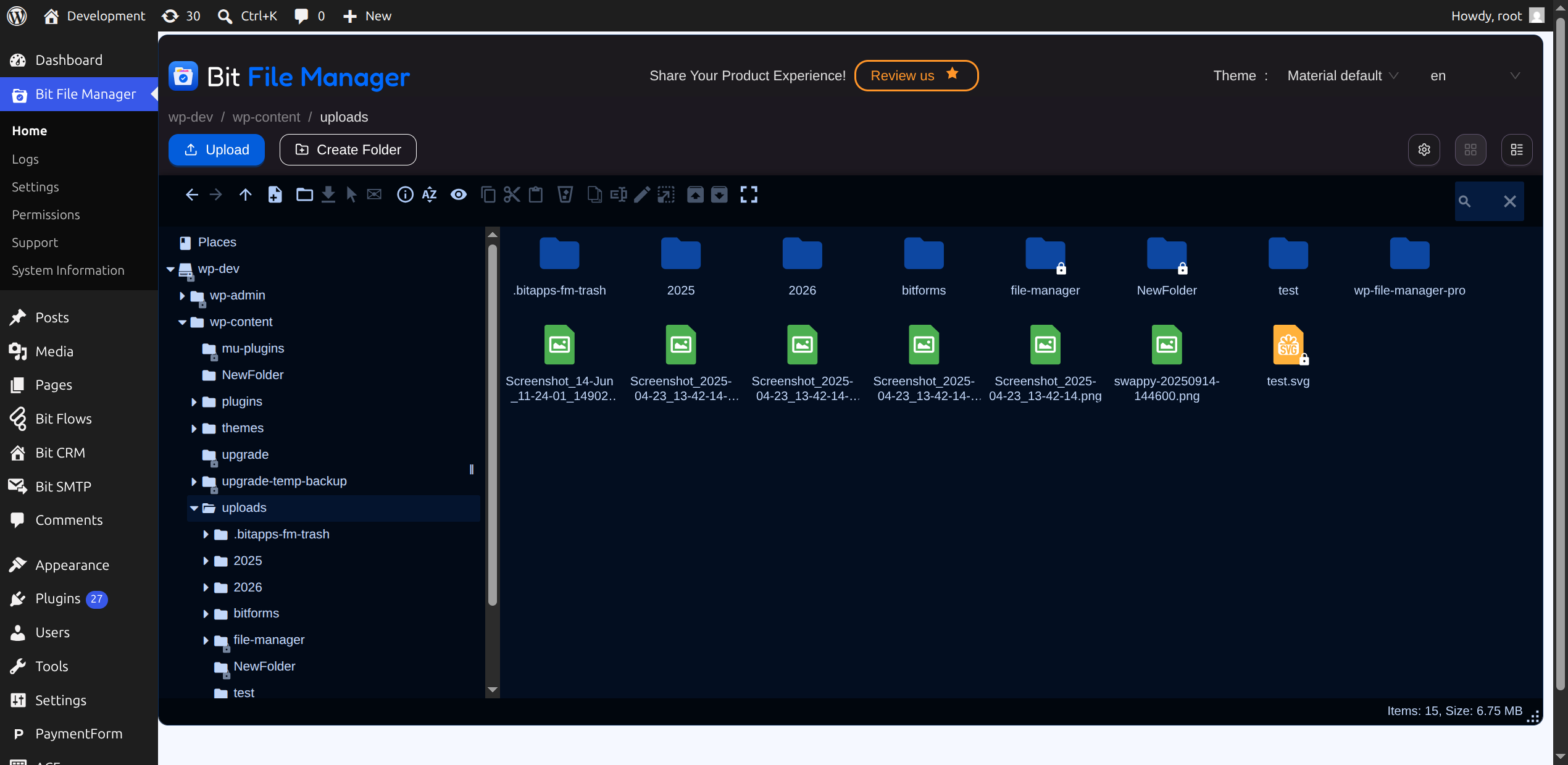
Every operation (copy, paste, rename, etc.) can be done with a few clicks or drag-and-drop, making file management fast. The intuitive and responsive interface ensure that even beginners can manage theme/plugin files, code snippets, and media folders without confusion.
Manage your WordPress files securely. Compress, extract & organize files easily from the WordPress dashboard.
📢 join our community & get updates of our new plugin.
📢 We’re open for freelance work or custom development for this plugin. Reach out to us for more details.
Bit File Manager also smoothly integrates with the WordPress Media Library. Uploaded images, PDFs, and zip files can be added to your media folders automatically. This way, managing media folders and other assets is as easy as working with local files, directly in your site’s dashboard.
🔥Quick Highlights of File Manager Plugin
- Frontend Access: Easily enable the file manager for frontend users.
- Shortcode Support: Add Bit File Manager anywhere on your site using shortcodes.
- Carpeta de usuario personal: cada usuario obtiene una carpeta privada única.
- Carpeta de usuario pública: todos los usuarios pueden compartir una carpeta común.
- User Role Folder: Shared folders based on user roles.
- User Role Permission: Set permissions for each user role.
- User Permission: Set permissions for individual users.
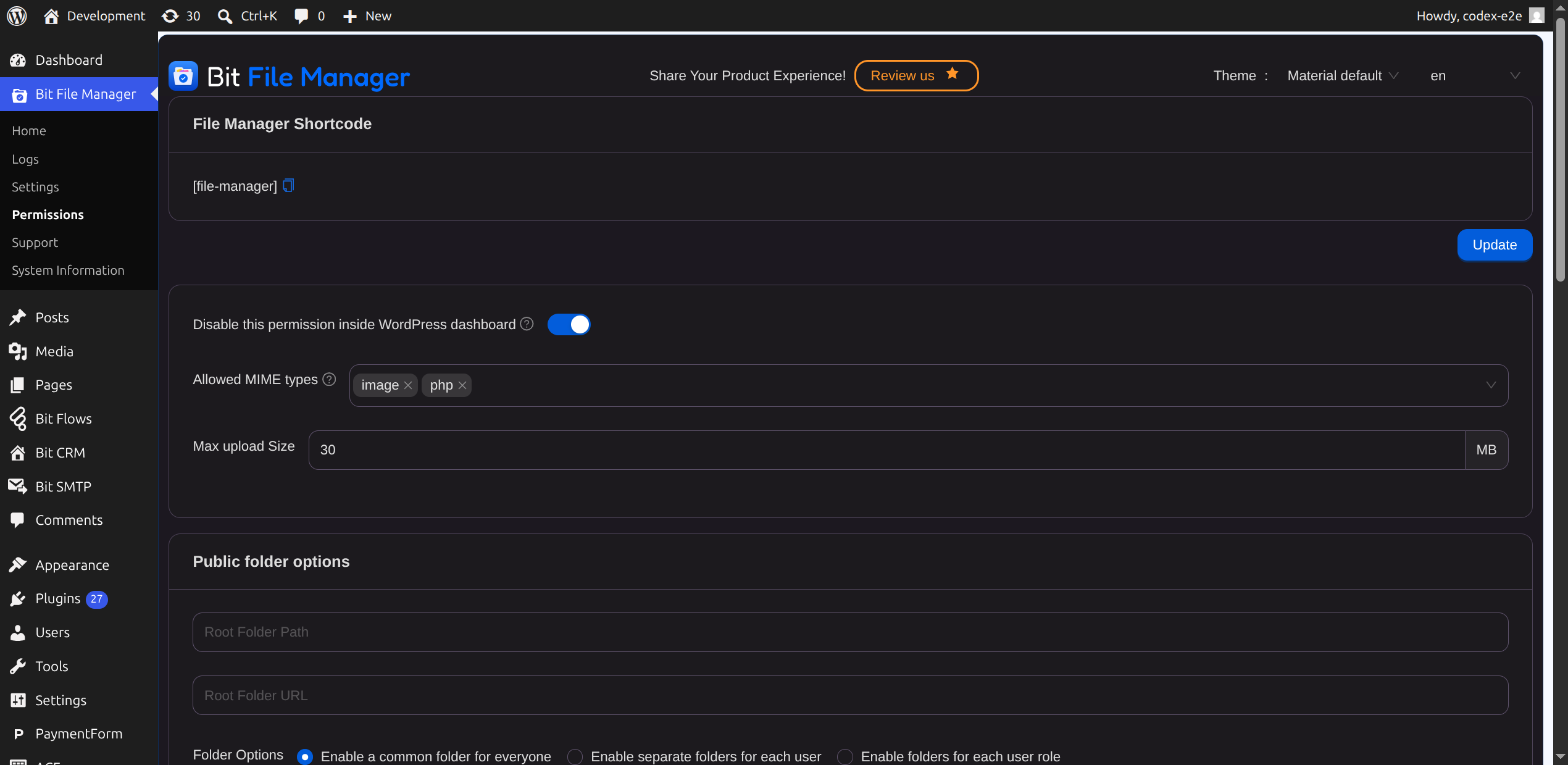
- File Type Control: Choose what file types can be uploaded/downloaded.
- File Size Control: Set the max file upload size.
- Operation Control: Support and manage 13+ file operations for users and roles.
Key Advantages of File Manager
- Granular Shortcode Support: Place the file manager plugin anywhere on your site.
- User Role Permission: Admins can control who can read, write, edit, delete, upload, download, archive, extract, etc.
- Personal Folder Privacy: Every user’s private folder is only accessible by them.
- Shared Public Folders: Let all users access and share files in a common folder.
- Operation Control: Fine-tune 13+ operations for users/roles to keep your WordPress files safe.
File Manager for WordPress Features Overview
- Comprehensive Operations: Edit, upload, download, delete, copy, move, create folders/files, rename, archive, and extract.
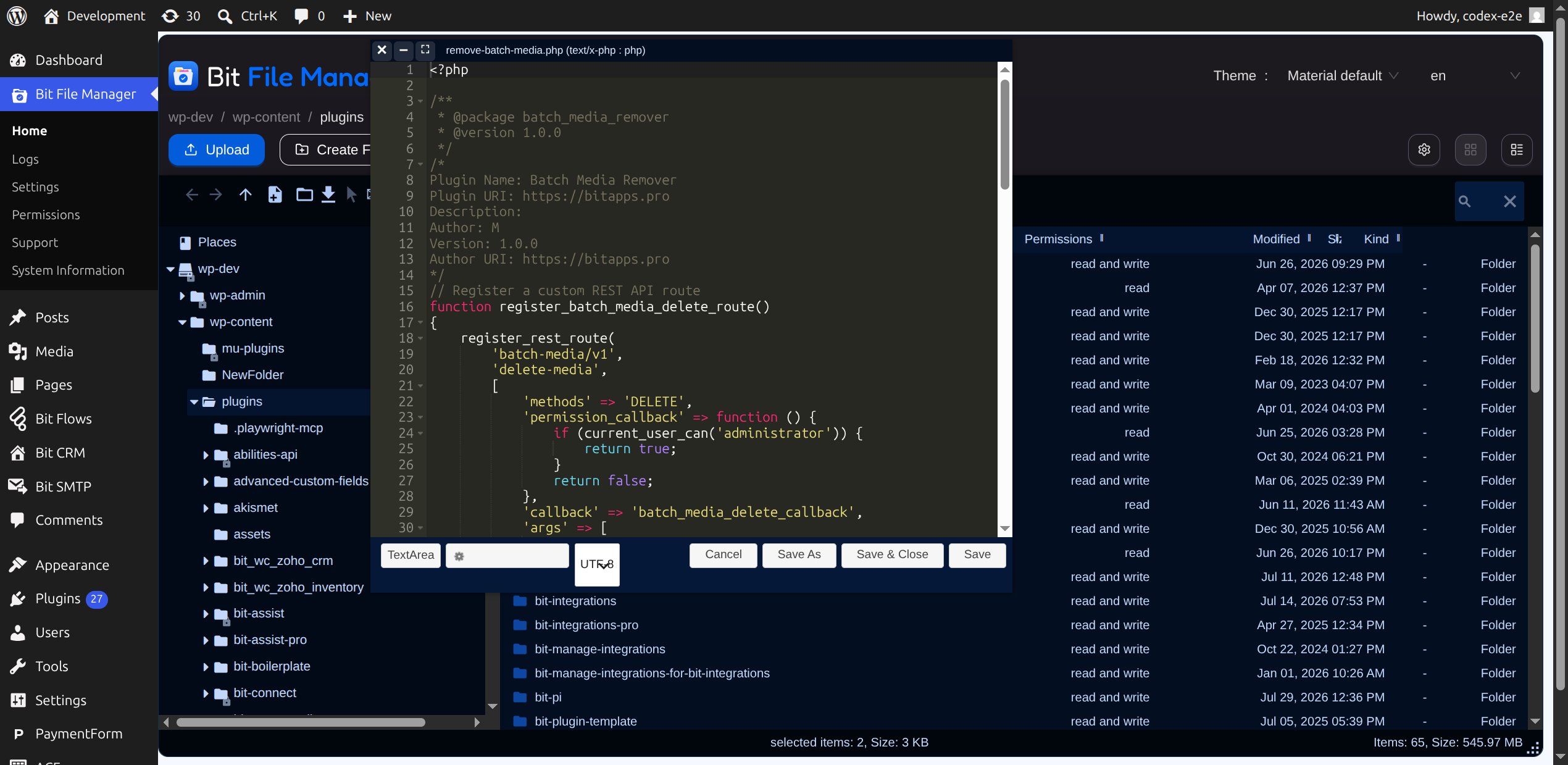
- Code Editor and Code Editor: Edit PHP, JS, CSS, and any text-based files.
- Modern UI: Sleek, light, and user-friendly client UI.
- Drag & Drop: Easily upload files and folders by dragging from your device.
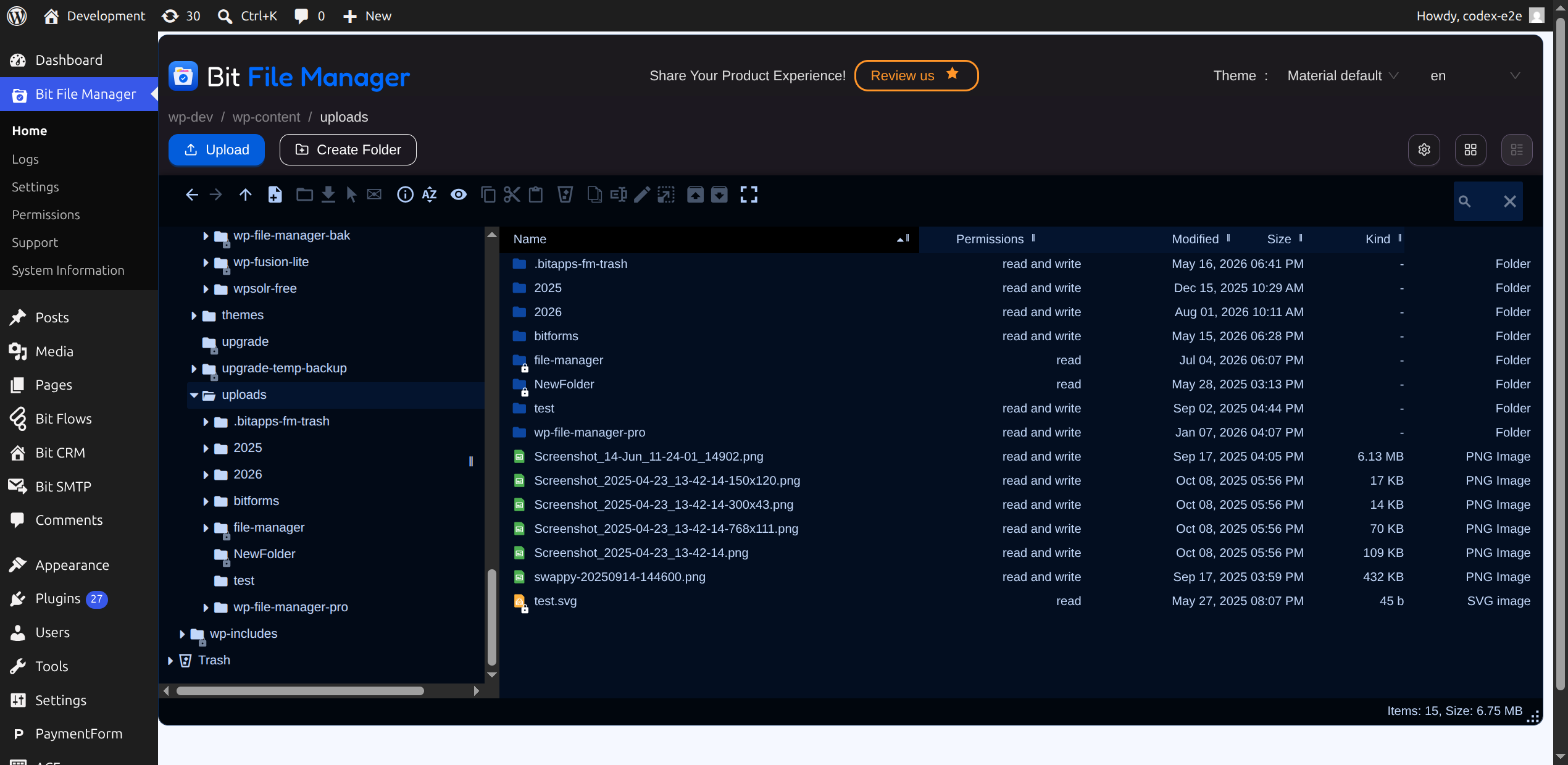
- Multiple Views: Switch between list and icon views.
- FTP & cPanel Alternative: Handle all file management tasks inside WordPress.
- Archive Support: Work with zip, rar, 7z, tar, gzip, bzip2.
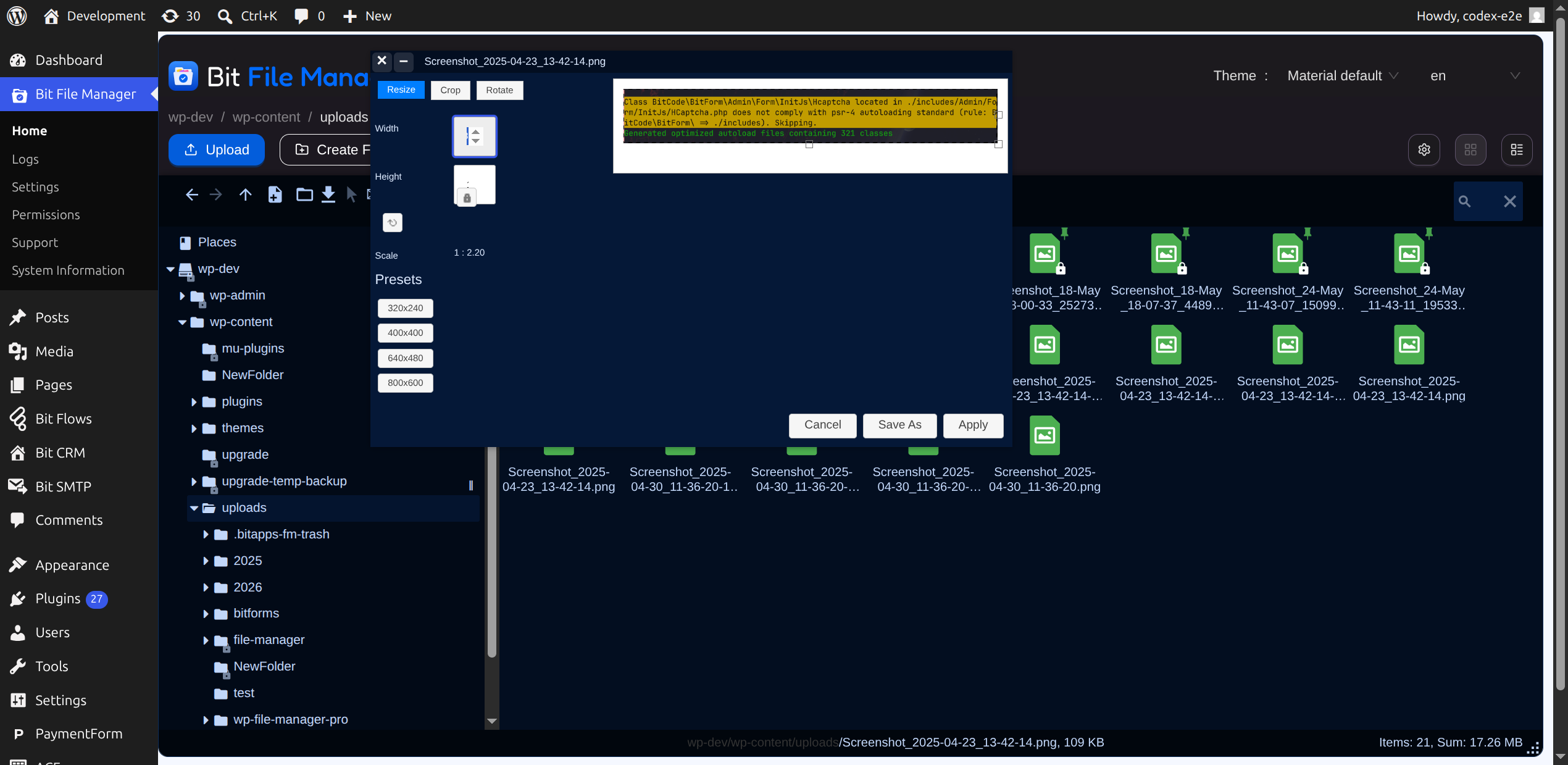
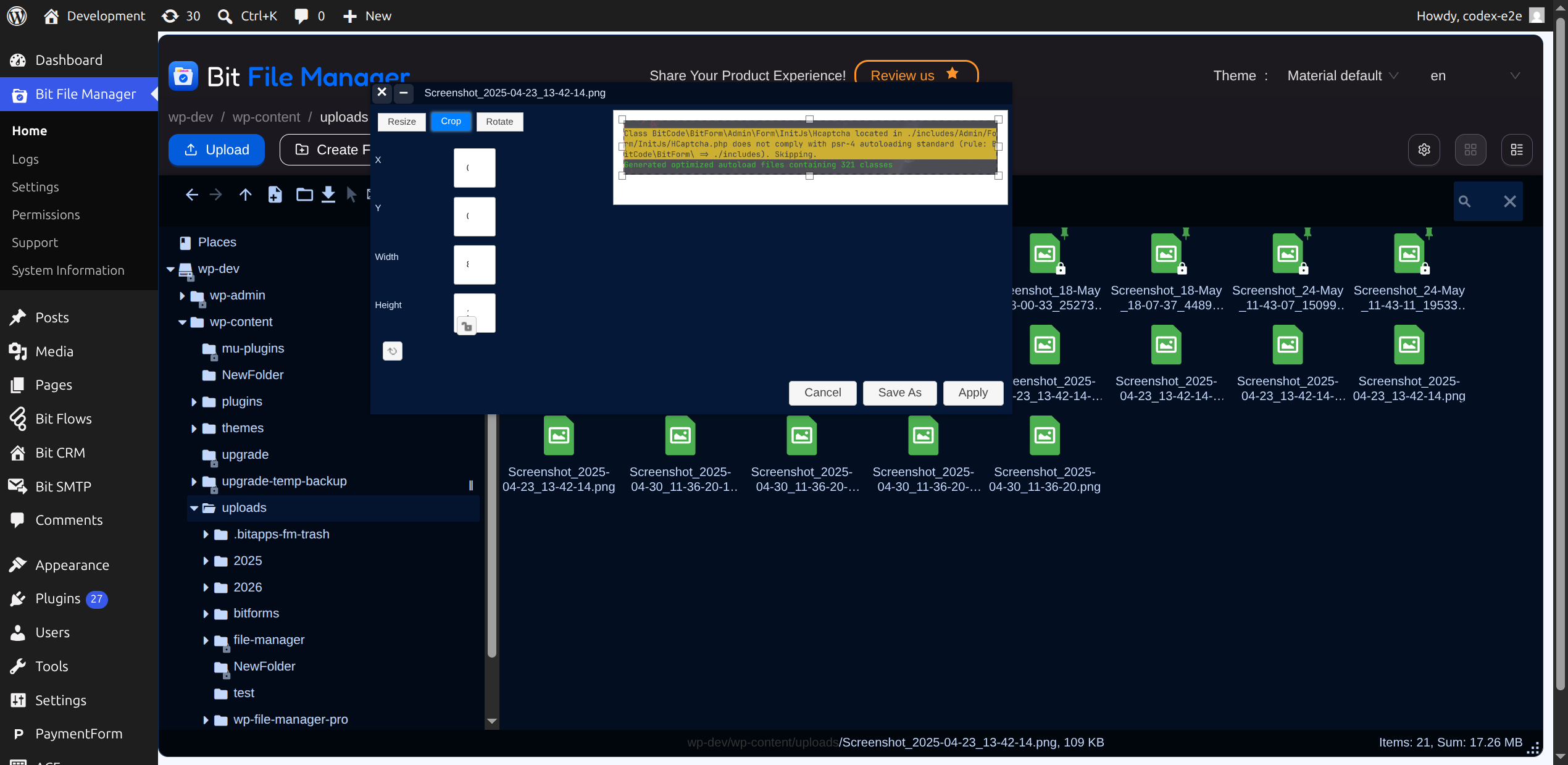
- Edit Images and Files: Modify files, including images, without external tools.
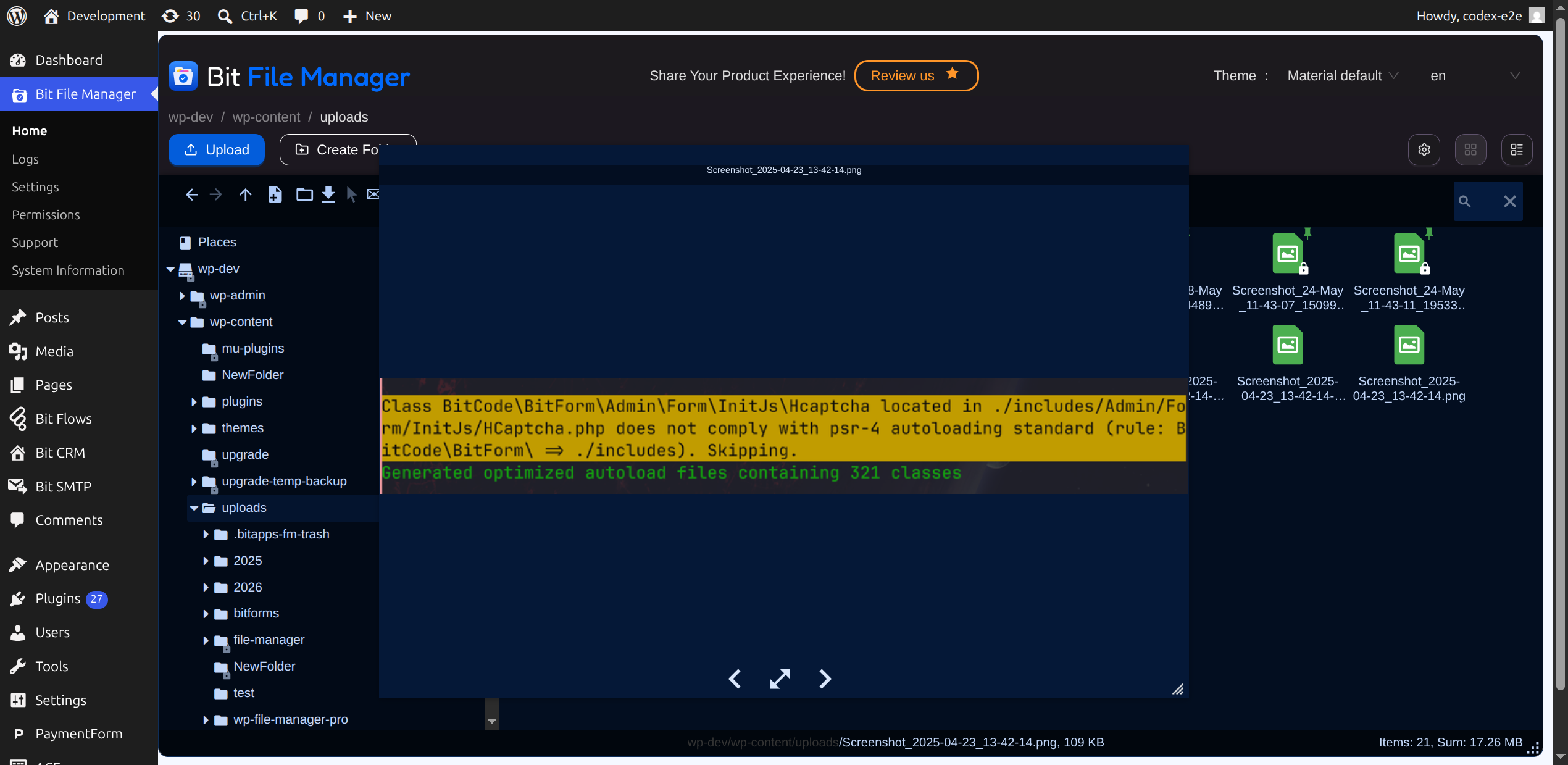
- Quicklook & Preview: Instantly preview file contents before downloading.
- Directory Size Calculation: Check directory space usage.
- Media Preview: Preview/play video and audio files.
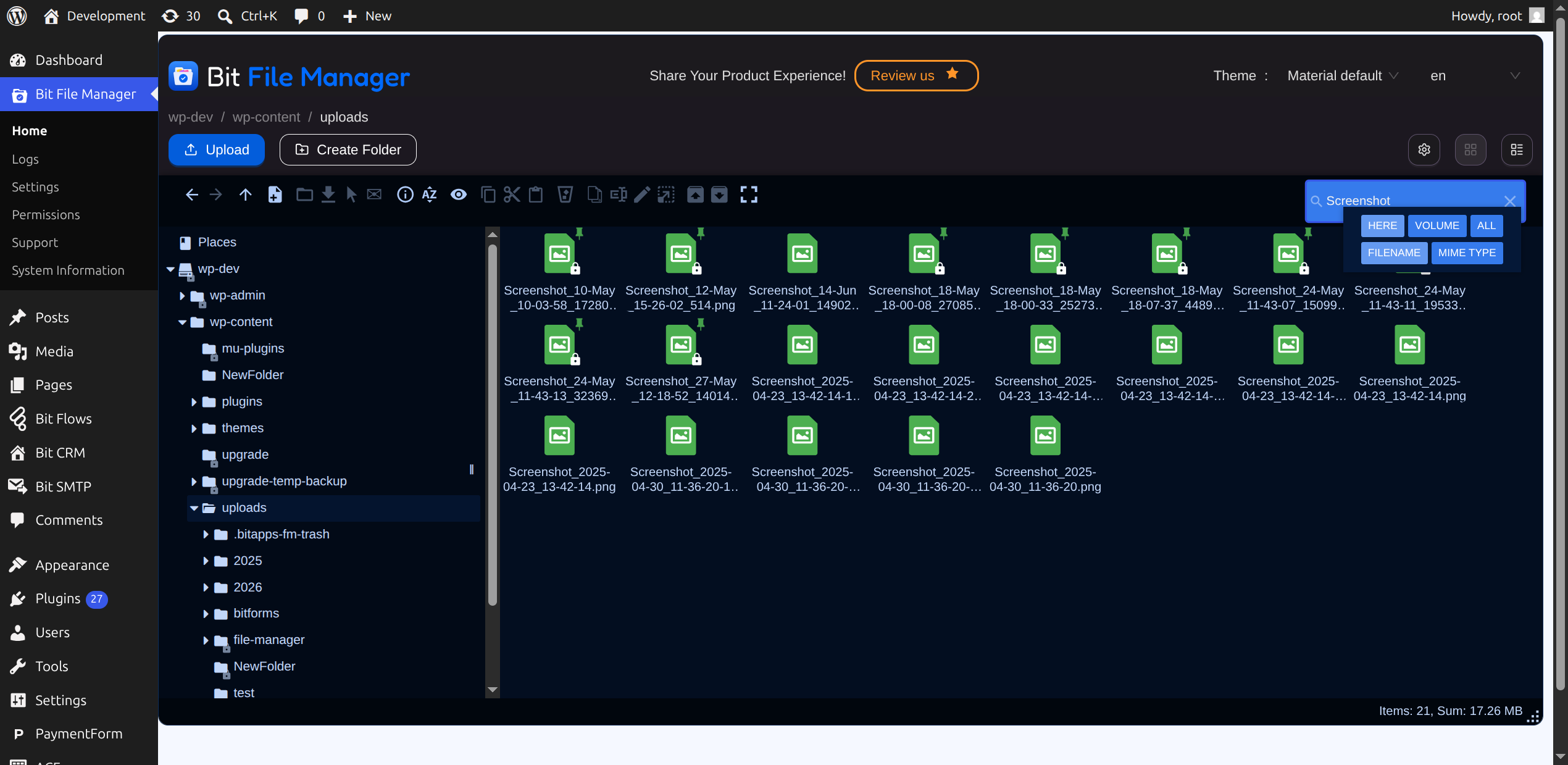
- Search & Sort: Instantly find and manage files and folders.
- Automatic Media Sync: Media auto-sync to your WordPress Library.
- Trash Folder: Restore deleted files at any time.
- High-performance Backend: Fast and stable for better workflow.
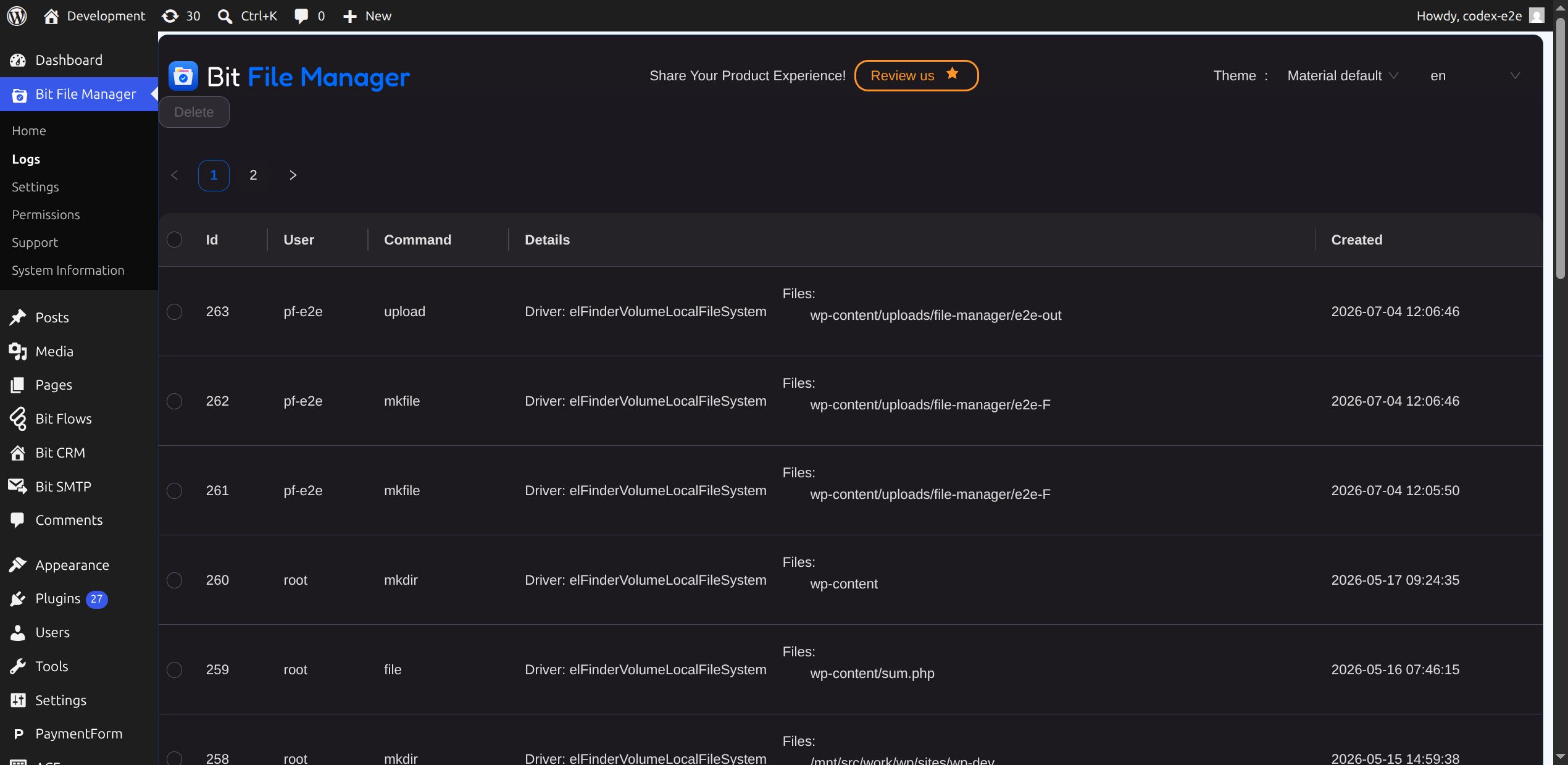
- File Activity Log: Monitor all edits, uploads, and deletions.
- Keyboard Shortcuts: Manage files faster with keyboard shortcuts.
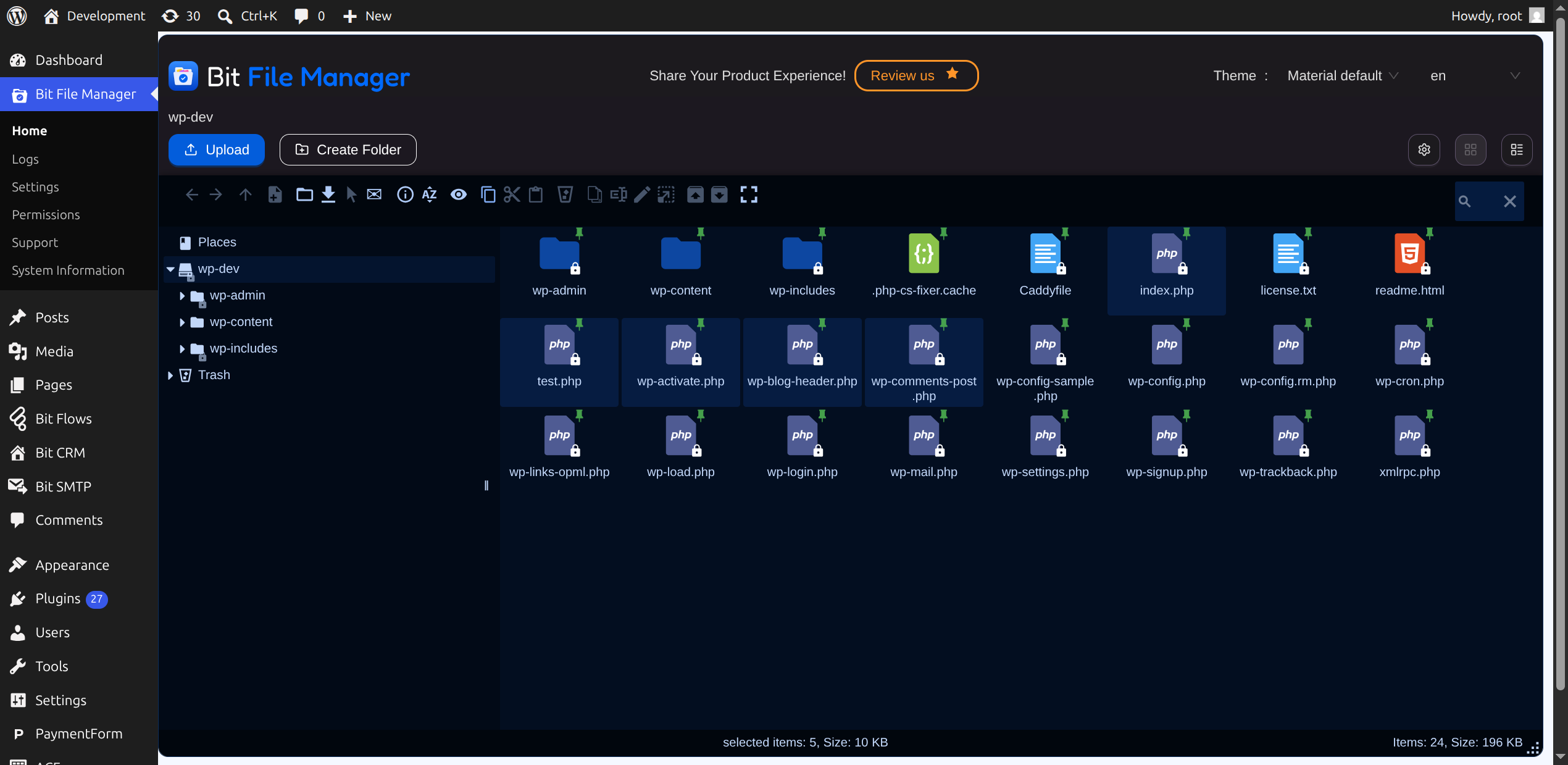
- Bulk Selections: Select multiple files/folders for quick bulk operations.
- Move/Copy with Drag & Drop: Rearrange or duplicate using drag & drop.
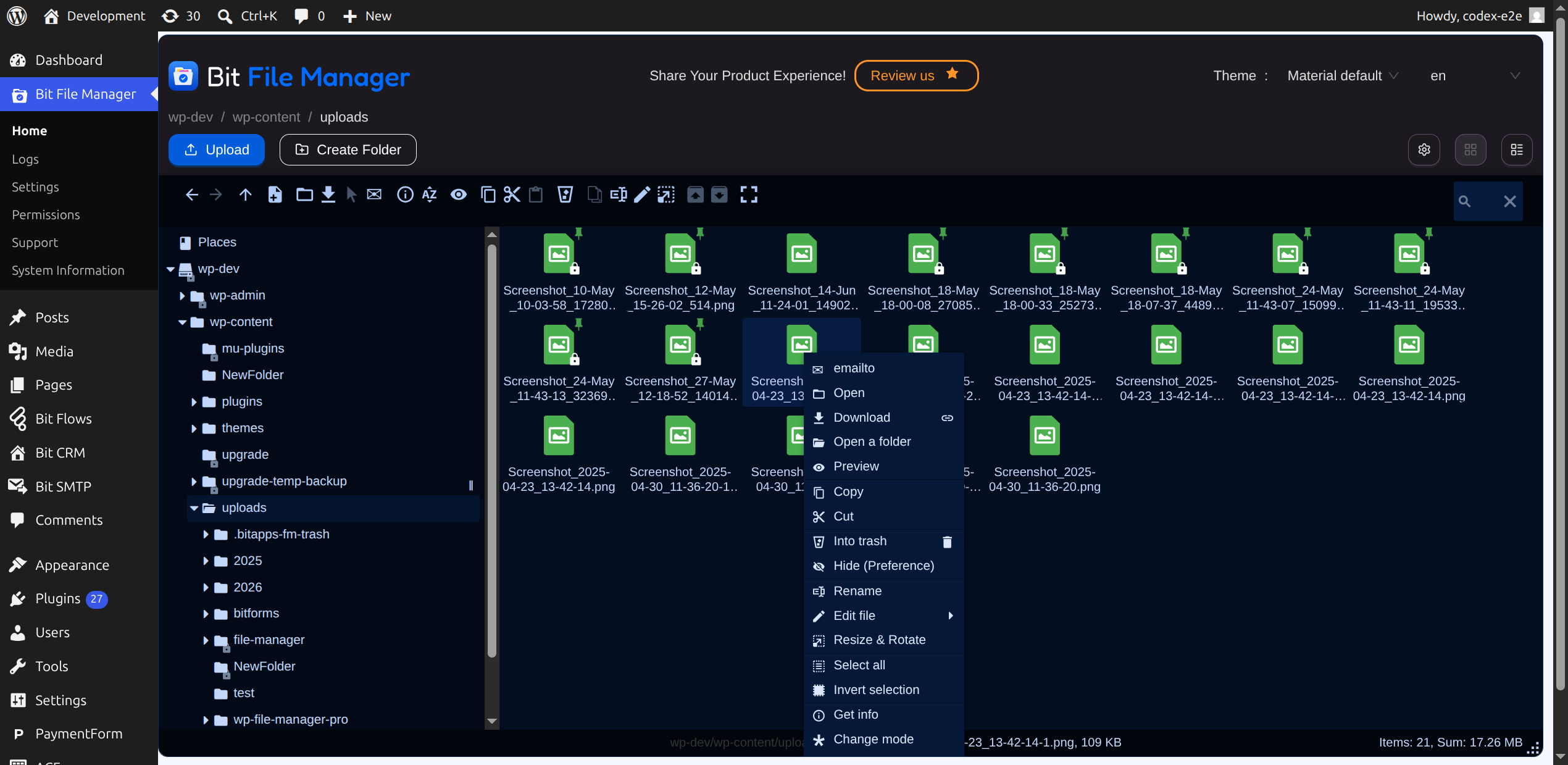
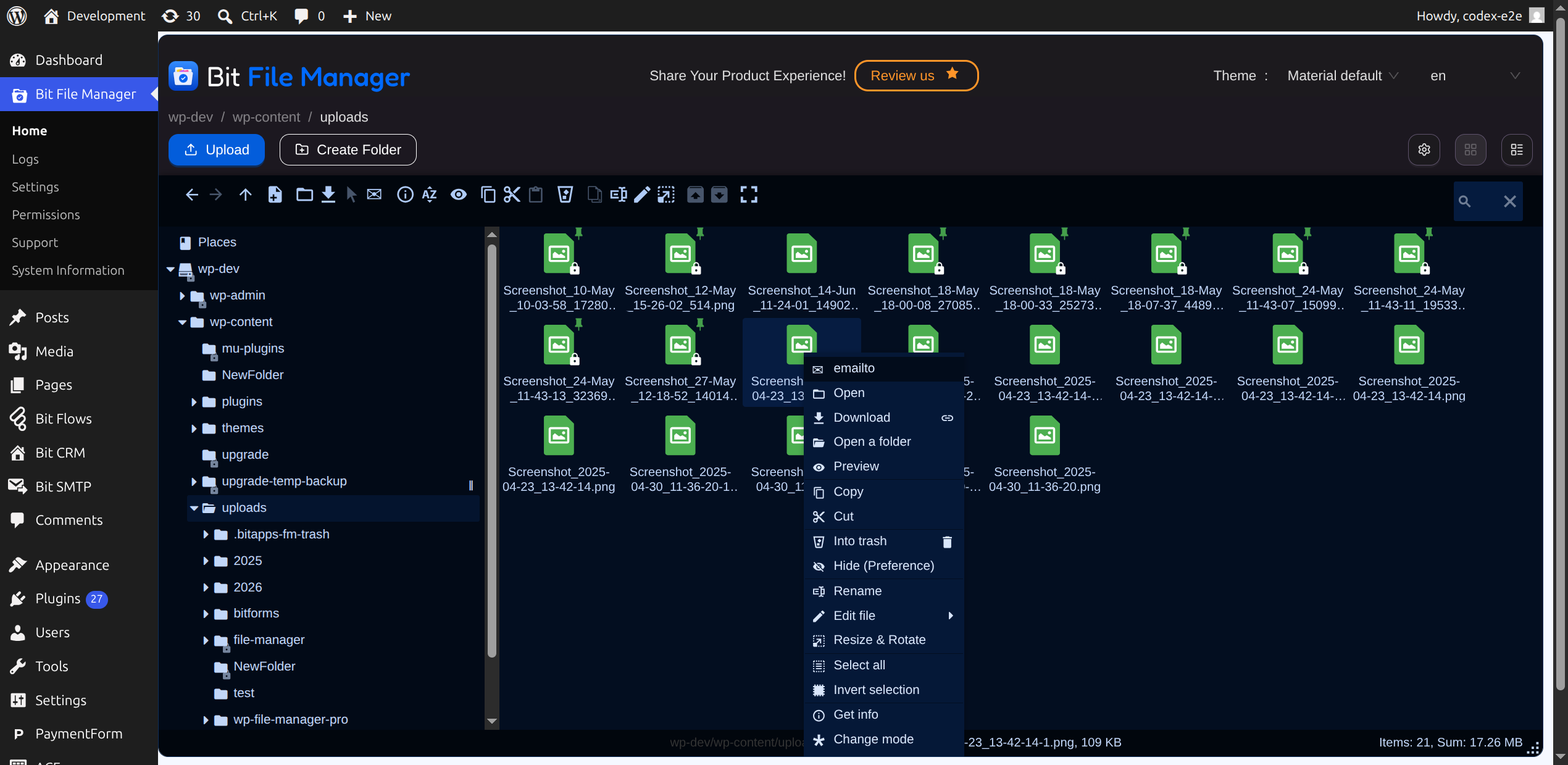
- Context Menu & Toolbar: Access advanced features in just a click.
- Image Thumbnails: See quick previews of images for easy management.
- Auto-resize on Upload: Uploaded images are automatically resized.
- UTF-8 Naming Support: Ensures compatible file names/paths.
- Sanitizer: Cleans file/folder names automatically.
- Folder Upload: Upload entire folders in one go.
- Chunked Upload: Upload large files in parts for reliability.
- Direct Upload to Folder: Send files right where you need them.
- Custom Archive Names: Specify archive names during file creation.
- File Browsing History: Track your navigation through folders.
- Fully Responsive: Manage files on desktop, tablet, or phone.
⚡ Bit File Manager Features Deep Dive ⚡
Operations (Edit, Upload, Download, Delete)
Perform all typical file and folder operations: copy, move, upload, create, rename, archive, extract, edit, download, cut, duplicate, paste, delete, and more.
Use-case: Admins can manage plugin files such as Contact Form, LMS, WooCommerce, and more with ease.
User-Friendly UI
The light, clean, and intuitive UI means easy file management for This plugin is simple and easy for everyone. You don’t need any complicated guides.
Drag & Drop
Upload files/folders by dragging from your computer to your site.
Use-case: Instantly edit any file or action hook (like Contact Form) with just a drag-and-drop upload.
List & Icon Views
Switch between list and icon layouts to suit personal admin preferences.
FTP & cPanel Alternative
Manage your files and folders directly in WordPress without extra FTP or cPanel steps.
Supported Archives
Work with all major archive formats: zip, rar, 7z, tar, gzip, bzip2.
Use-case: Easily package any plugin folder (like Contact Form) for debugging or transfer.
Image & File Editing
Open and edit files (including images) directly from the file manager.
Quicklook & Preview
Preview common file types (before download) so you can check your work instantly.
Use-case: Quickly review WooCommerce, Contact Form, or Tutor LMS file changes.
Directory Size Calculation
Monitor directory/builder/plugin sizes to manage your resources.
Use-case: Easily view Page Builder, WooCommerce, or LMS folder usage.
Video & Audio Preview/Play
Preview and play video/audio files without leaving WordPress.
updated elfinder to 2.1.66
File Search & Sort
Efficiently search and sort to locate any file or folder.
Use-case: Search files/folders for plugins like Contact Form, WooCommerce, or LMS.
Sincronización automática de medios
Keep media in sync automatically within WordPress.
Trash Folder
Easily restore deleted files or folders from trash as needed.
Use-case: Return WooCommerce, Contact Form, or LMS plugin files you may have deleted.
High-Performance Backend
Built for speed and stability when managing site files.
No Database Needed
Using the local file system plugin is simple and easy for everyone. No database setup or storage bloat.
Atajos de teclado disponibles
Navigate and manage files even faster via keyboard shortcuts.
Selección de múltiples archivos/carpetas
Select and manage several files/folders simultaneously.
Use-case: Batch-select and bulk-edit plugin assets.
Mover/Copiar con arrastrar y soltar
Easily move or copy files between folders using intuitive drag & drop.
Use-case: Organize plugin files quickly (Contact Form, WooCommerce, LMS).
Rich Context Menu & Toolbar
Access smart, organized menus for all file management actions.
Thumbnails for Images
Preview images with thumbnail views for quicker identification.
Auto-resize on Upload
Images get automatically resized as you upload them.
UTF-8 Naming Support
Garantiza que los nombres de sus archivos y carpetas funcionen en todas partes.
Name/Path Sanitizer
Limpieza y corrección automática de todos los nombres de archivos y rutas de carpetas.
Subir carpeta
Sube una o más carpetas directamente desde tu dispositivo.
Caso de uso: Sube una carpeta completa de plugins en un solo paso.
Carga de archivos fragmentados
Sube archivos grandes de forma más fiable dividiéndolos en fragmentos.
Direct Upload to Folder
Envía archivos/carpetas a la carpeta correcta con una sola acción.
Create Archive with Custom Name
Choose a custom name when creating archives.
Use-case: Make archives for plugin files (Contact Form, WooCommerce, LMS) by setting your filename.
Historial de navegación de archivos
Rastrea las carpetas visitadas para retroceder fácilmente.
Caso práctico: Revisa las carpetas de plugins en las que has trabajado recientemente.
Responsive Design
Manage your site’s files from desktop, tablet, or This plugin is simple and easy for everyone. wherever you are.
Compatibilidad
If you notice any compatibility issues with a third-party plugin or theme, please let us know through our support forum or our website.
Stay organized, empowered, and efficient with the Bit File Manager plugin. Simple and easy for everyone.
Explore Our Other Products :
-
Bit Form: A powerful WordPress form builder that lets you create multi-step and conversational forms with a smart drag-and-drop builder. Connect your forms with 50+ apps through built-in integrations to automate workflows. Build, customize, and convert with the lightning-fast form solution!
-
Bit Integrations: A no-code WordPress automation plugin that lets you connect 300+ apps and services to automate your workflows in minutes. With its 3 easy automation methods, you can automate tasks, sync data, and maximize productivity. It connects your forms, CRMs, LMS, and eCommerce tools all inside WordPress.
-
Bit Assist: Conecta todos tus canales de atención al cliente con un solo botón. Integra el widget de chat flotante, WhatsApp, correo electrónico, SMS, Telegram, Messenger y más con Bit Assist.
-
Bit Social: una herramienta de automatización de redes sociales que te permite publicar, programar y compartir automáticamente al instante en más de 12 plataformas como Facebook, Instagram, LinkedIn, X, Pinterest y más con una vista de calendario inteligente.
-
Bit Flows: Bit Flows is a powerful automation tool with multi-step, unlimited workflows and advanced tools, including Router, Repeater, Iterator, and JSON Parser. With built-in AI integrations, it’s a more powerful and easier alternative to n8n.
-
Bit SMTP: Bit SMTP makes sending emails from your WordPress site easy and secure, ensuring they reach the right inbox every time.
Join our Bit Apps Community for the latest plugin and exclusive features updates!
Telemetry Data
Bit File Manager uses wp-telemetry to collect some telemetry data upon the user’s confirmation. This helps us to troubleshoot problems faster & make product improvements.
Wp-Telemetry DOES NOT IMMEDIATELY start gathering data; rather, it will gather basic telemetry data when a user allows it. We collect the data to ensure a great user experience for all our users.
External services
This plugin sends data to external services for certain features. Below is a summary of each service, what data is sent, and links to their terms and privacy policies.
Dropbox — Cloud file storage integration via OAuth/API. Authentication tokens are sent to Dropbox during the OAuth connection flow. No file content is sent unless the user explicitly uploads or downloads files through the integration.
* Terms: https://www.dropbox.com/terms
* Privacy: https://www.dropbox.com/privacy
Box — Cloud file storage integration via OAuth/API. Authentication tokens are sent to Box during the OAuth connection flow. No file content is sent unless the user explicitly uploads or downloads files through the integration.
* Terms: https://www.box.com/legal/terms
* Privacy: https://www.box.com/legal/privacypolicy
Zoho Office Integrator — Online document editing service. File data is sent to Zoho servers when a user opens a document for editing through the integration.
* Terms: https://www.zoho.com/terms.html
* Privacy: https://www.zoho.com/privacy.html
OneDrive (Microsoft) — Cloud file storage integration via OAuth/API. Authentication tokens are sent to Microsoft during the OAuth connection flow. No file content is sent unless the user explicitly uploads or downloads files through the integration.
* Terms: https://www.microsoft.com/servicesagreement
* Privacy: https://privacy.microsoft.com/
Online-Convert — File format conversion API. File data is sent to Online-Convert servers when a user converts a file to a different format through the integration.
* Terms: https://www.online-convert.com/terms
* Privacy: https://www.online-convert.com/privacy
Photopea — Online image editor opened in an iframe. When a user clicks Edit on a supported image file and chooses the Photopea editor, the image is sent to Photopea’s hosted service for editing and the result returned. No file data is sent unless the user explicitly opens an image with this editor.
* Terms: https://www.photopea.com/api/accounts
* Privacy: https://www.photopea.com/api/accounts
Pixo — Online image editor opened in an iframe. Requires a Pixo API key configured by the site admin. When a user clicks Edit on a supported image and chooses Pixo, the image is sent to Pixo’s hosted service for editing and the result returned. No file data is sent unless the user explicitly opens an image with this editor.
* Terms: https://pixoeditor.com/terms-of-service/
* Privacy: https://pixoeditor.com/privacy-policy/
Capturas
Instalación
Requisitos
- Works on all modern browser
- php version: Minimum: 7.4 Tested up to: 8.3
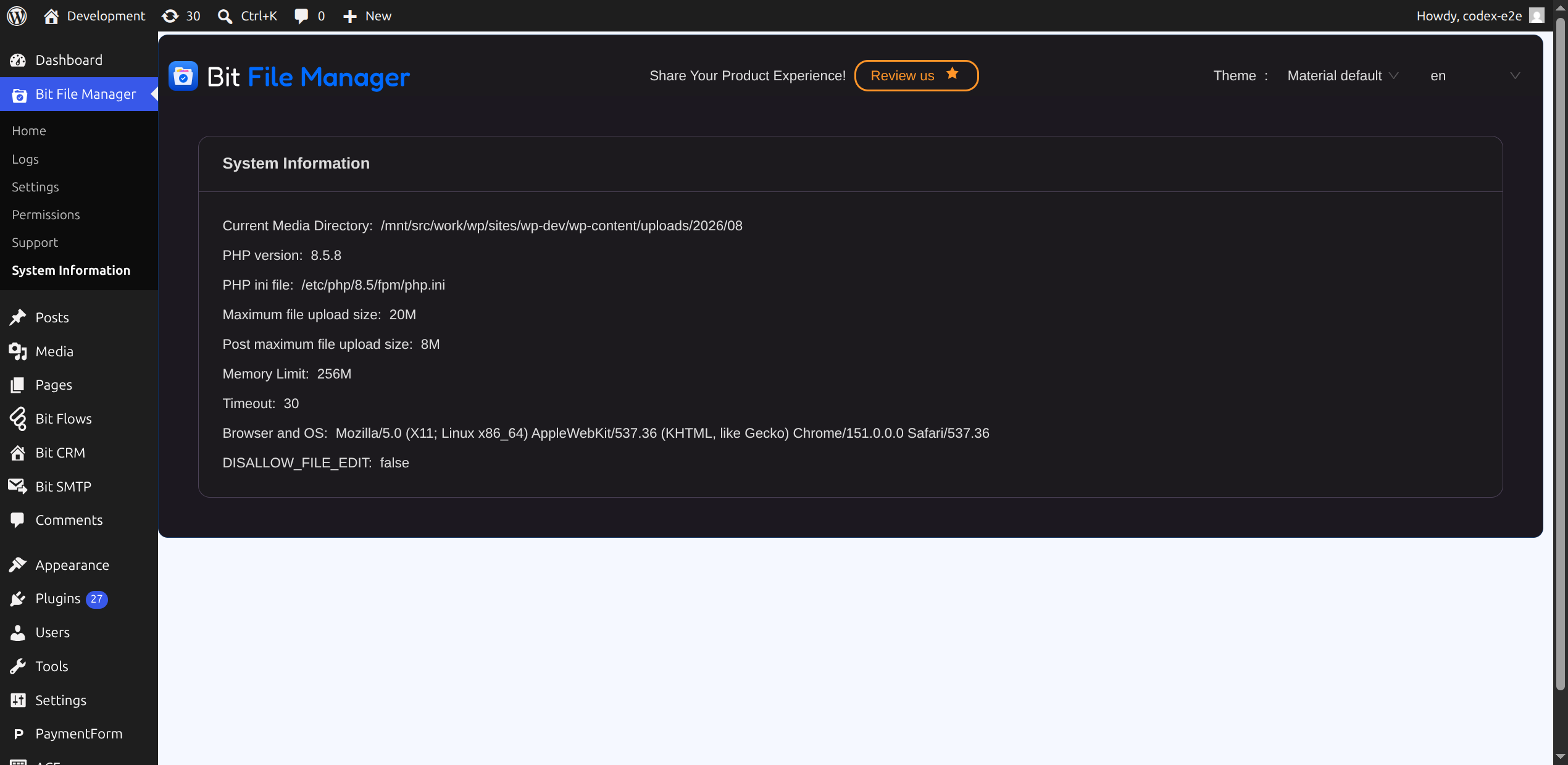
- «DISALLOW_FILE_EDIT» must be false to edit files from Bit File Manager.
Proceso de instalación
- Upload and install the plugin.
- Go to admin dashboard
- Click on Bit File Manager side menu
Congratulations you have done it!
FAQ
-
Invalid backend configuration. Readable volumes not available.
-
Please check your file permission from your hosting panel. The permission must be 0755 for file/folder, this means the path you have set must be readable by php process. If you are using a vps(virtual private server) then you must ensure that the owner of your installation is PHP aka www-data. Another reason could be wrong root folder path/url. Inserting a correct root folder path/URL should fix the issue.
-
I can not upload larger files then 2 MB
-
You can upload any size of file. Bit file manager plugin uploads files in chunks. So a very large file can be easily uploaded & downloaded.
-
¿Puedo previsualizar archivos .psd y documentos?
-
Yes, documents like PSD, DOCX can be previewed via file manager preview.
-
Can I change file permission like cPanel?
-
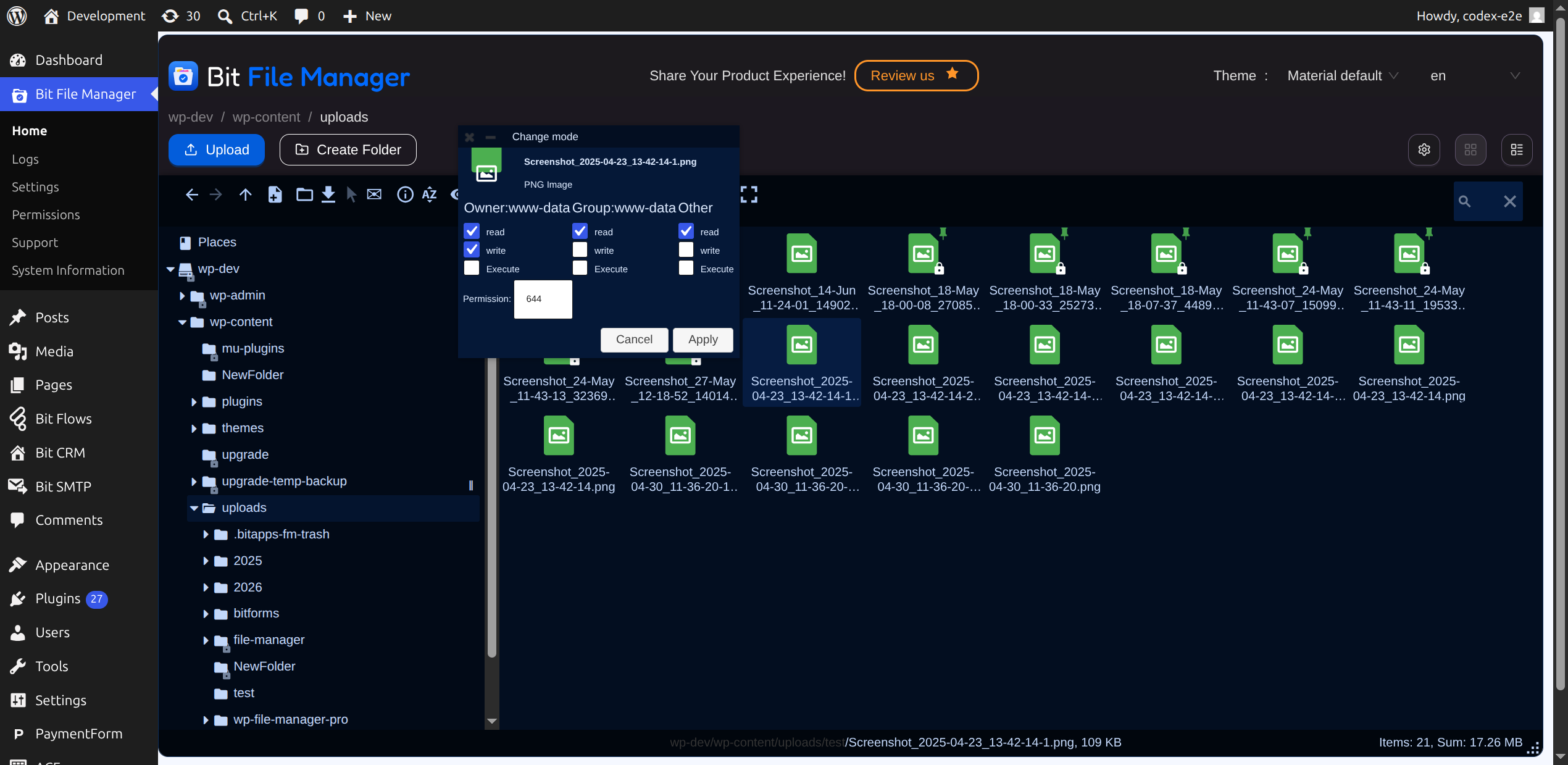
Yes, file/folder permission can be changed like cPanel and other hosting management interfaces. It is very easy. Just right click on the file and you will see a menu named **Change Mode **. Clicking will open a dialogue box, where you can update the file permission, just like cPanel.
-
Is it possible to edit file using code editor
-
Yes, It is possible to edit writeable files in the wordpress directory using code editor. This plugin includes multiple code editing like «Ace Editor», «CodeMirror» and Text Editor.
Reseñas


Colaboradores y desarrolladores
«Gestor de archivos» es un software de código abierto. Las siguientes personas han colaborado con este plugin.
Colaboradores


«Gestor de archivos» está traducido en 2 idiomas. Gracias a los traductores por sus contribuciones.
Traduce «Gestor de archivos» a tu idioma.
¿Interesado en el desarrollo?
Revisa el código , echa un vistazo al repositorio SVN o suscríbete al registro de desarrollo por RSS.
Registro de cambios
6.9.2
- Security: Updated elFinder to 2.1.70 to fix an SSRF vulnerability.
6.9.1
- Security: Fixed an arbitrary file read/deletion vulnerability (Subscriber and above) in the file manager connector that could lead to remote code execution. Props to daroo (Wordfence) and Artus KG (WPScan).
- Security: The connector no longer serves the site-root volume to low-privileged users. Props to JING QIAN (WPScan).
- Security: Enforced capability checks on REST API endpoints; the activity log is no longer readable unauthenticated. Props to Farid Narimanov (WPScan).
- Security: File download now always requires the download permission; trash and upload folders hardened against executable files.
- Fix: Restore file preview for users with view access but not the download permission.
- Fix: Activity log now installs correctly on new sites.
6.9
- New: Per-user permissions are now enforced per target path across all volumes, with clearer file-manager-only scope hints
- Fix: WordPress admin submenu now stays highlighted on the active page (Home, Logs, Settings, Permissions, etc.)
- Fix: File manager no longer overwrites the browser URL, so in-app navigation stays intact
- Fix: Popup dialogs now layer above the WordPress admin menu and toolbar
6.8.9
- Fix: Minimized editor windows now appear as a floating dock at the bottom of the screen
- Fix: Double-clicking a file now opens it in the code editor
- Fix: Editor dialog z-index layering and viewport height
- Fix: ESC key handling
- Fix: PHP syntax check via loopback request to prevent saving files with fatal errors
- Fix: WordPress.org plugin review team issues
- Refactor: Consistent function, constant, and option name prefixes across the codebase
- Refactor: Introduced Compatibility and Deprecated classes for deprecation handling
- Chore: Tested with WordPress 7.0
- Chore: Updated elfinder to 2.1.67
- Chore: Updated php packages
6.8.8
- fix: file manager not showing up due to version mismatch
6.8.7
- chore: updated elfinder to 2.1.66
- tarea: actualizar paquetes php
6.8.5
- tarea: interfaz de usuario renovada
- tarea: actualizar paquetes php
6.8.4
- Feat: Added option to sync with WordPress media library. If this is enabled and target upload path is within WordPress upload directory then, files uploaded using file manager will be visible in WordPress media library.
6.8.3
- Fix: Updated regex to allow plain HTML uploads while blocking files with embedded JavaScript to prevent XSS across all file types.
6.8.1
- Solución: la ruta del archivo cargado no se muestra en el registro
- Corrección: se eliminó el texto no deseado de.
6.8
- Corrección: Evita la carga de SVG con código JS incrustado, pero no está permitido en la configuración de permisos.
- Corrección: Se solucionó el problema del texto traducido que no aparecía en la interfaz.
6.7
- Fix: Prevent file upload which includes js code but not allowed in permission settings
- Solución: Problema del cargador en la interfaz
6.6.3
- bit flows promotional modal added
6.6.2
- banner de telemetría actualizado
6.6.1
-Probado con WordPress versión 6.7.1
6.6.0 (27 Oct, 2024)
- Mejora: Se ha actualizado la interfaz de usuario para la concesión de permisos, lo que permite a los usuarios buscar y conceder permisos de forma más eficiente. Esto soluciona problemas de memoria insuficiente en la página de permisos.
- Mejora: anteriormente, las solicitudes del panel se manejaban a través de AJAX, pero ahora se administran a través de la API REST.
- Mejora: Tema actualizado.
- Enhancement: Dashboard.
- Mejora: Paquetes PHP actualizados.
- Misc: Users can now try certain plugins through the changelog modal.
- Fix: Search functionality in the shortcode view.
- Solución: Problema de pantalla completa del editor en la vista RTL.
- Solución: la carpeta pública no se muestra según la opción seleccionada por el usuario.
6.5.8 (02 Oct, 2024)
- Fix: javascript, css file type Restricted for shortrcode. Admin can allow from permission settings if needed.
- Mejora: Modalidad de telemetría actualizada
6.5.7 (24 Sep, 2024)
- paquetes php actualizados
- Telemetry Notice banner replaced with Modal
- Probado con WordPress versión 6.6
6.5.6 (21 Aug, 2024)
- Fix: Addressed a potential RCE vulnerability related to a race condition during PHP syntax checks.
- Restricted file types in shortcodes. Users must grant permission to allow PHP files.
6.5.3 (9 Jun, 2024)
- Solución: vista previa de PDF debido a una ruta de archivo incorrecta
6.5.2 (9 Jun, 2024)
- Corrección: botón de ordenamiento en la interfaz
- Corrección: botón de pantalla completa en la interfaz
- Corrección: botón para cambiar la vista en la interfaz
- Misc: Added wp-telemetry package to collect some insights from users
6.5 (16 March, 2024)
- Interfaz de usuario actualizada.
- Se han corregido algunos problemas menores.
- Multiple drive/folder by user/role.
- elFinder actualizado.
6.4 (24 Dec, 2023)
- elFinder actualizado.
- Se eliminó la barra lateral.
6.3 (7 Nov, 2023)
- Fix: Admin+ Arbitrary OS File/Folder Access + Path Traversal.
- Fix: Non stop folder sync requests due to conflict with browser extension
- Compatibilidad: Compatibilidad probada con WordPress 6.4
6.2 (25 May, 2023)
- Corrección: Tipo MIME permitido.
- Fix: Maximum allowed file size.
6.1 (25 May, 2023)
- Fix: File upload issue for non administrator if they have permission for upload.
6.0 (14 May, 2023)
- Feat: Shortcode support
- Feat: Separate folder for specific user
- Feat: Separate folder by user role
- Característica: Acceso a carpetas para invitados
- Feat: Maximum file upload size
- Feat: Access logs
- refactor: Refactored backend code base.
- Corrección: El editor de archivos de piezas está oculto en pantalla completa.
- Corrección: Serialización/deserialización de objetos PHP en datos introducidos por el usuario. También se corrigen algunos problemas menores y se optimiza el código.
5.2.7 (29 August, 2022)
- Plugin ownership changed from Aftabul Islam to Bit Apps
5.2.6 (19 April, 2022)
- File permission change added
- Logotipo actualizado
- FAQ updated
- New screenshot added
- Correcciones de errores menores
5.2.5 (14 April, 2022)
- File preview design issue fixed.
- Code editor design issue fixed.
- Full screen design issue fixed.
- Trash folder feature added.
- Plugin debug is synchronized with WP_DEBUG
- Settings configuration issue fixed
- Code mirror issue fixed
- Mejora de la calidad del código.
- Otras correcciones de errores menores
5.2.4 (10 April, 2022)
- Compatibilidad probada con WordPress 5.9.3
- Compatibilidad con caracteres Unicode para archivos y carpetas
- Media folder sync, you can upload to media folder, and it will be available on media library
- File Preview issue fixed [.docx, .psd etc]
- Code editor issue fixed
- Comprobación de sintaxis para archivos PHP [No se puede guardar el archivo con un error de sintaxis]
- .htaccess file operation added [Now you can edit/upload/delete .htaccess files]
- Hidden file/folder operation added [Now you can edit/upload/delete any hidden file/folder]
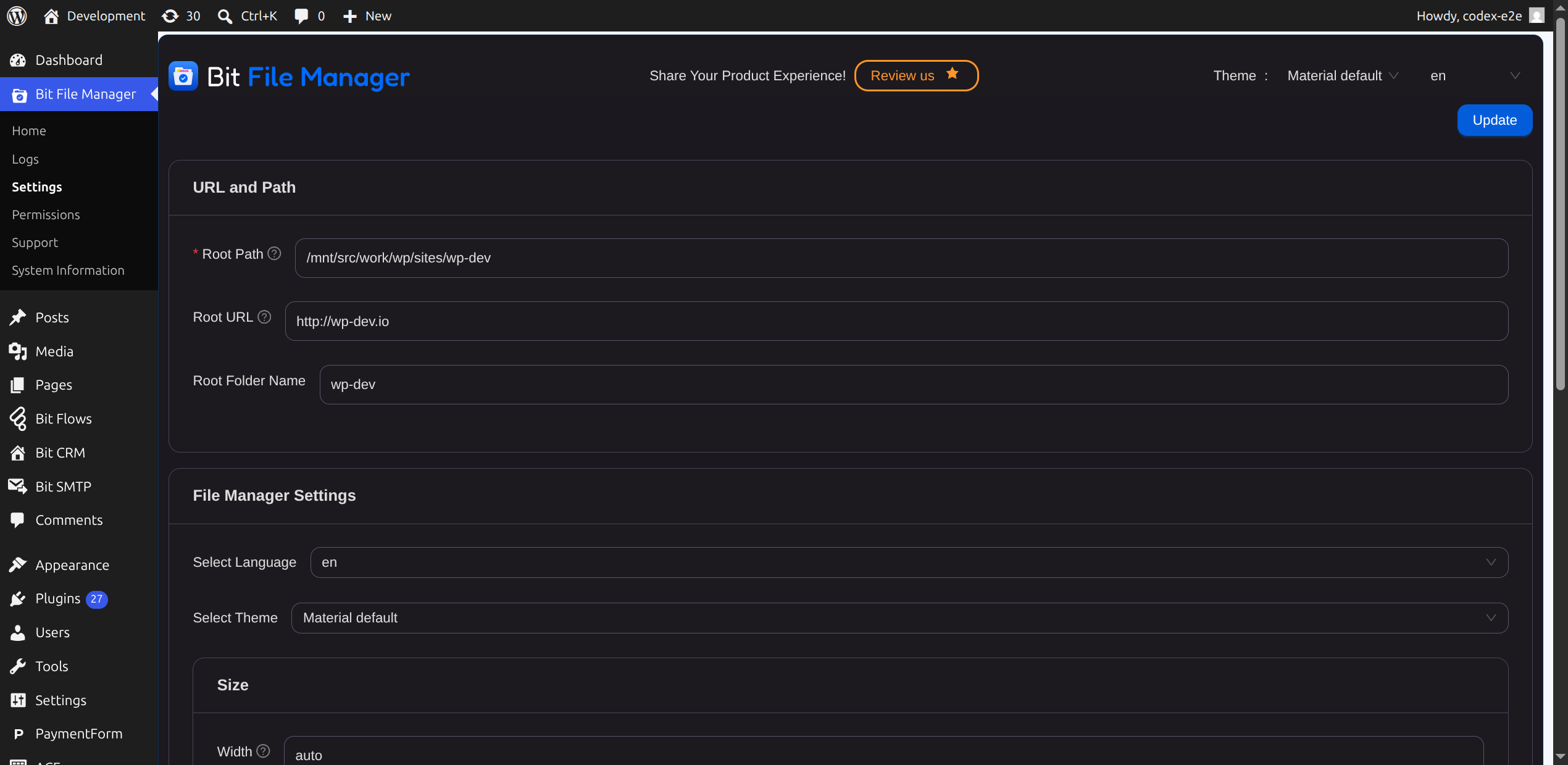
- Root folder name settings added
- La información del sistema se movió a una página diferente
- Emailing a file on right click menu added.
5.2.3 (28 March, 2022)
- Tested compatibility for WordPress 5.9.2
- Actualizado a elFinder 2.1.61
- Security issue fixed
- Minor issue fixed.
5.2.2 (08 November 2021)
- Compatibilidad probada con WordPress 5.8.2
- Nombre y marca cambiados
5.2.1 (08 November 2021)
- Compatibilidad probada con WordPress 5.8.1
- Some minor fixes
5.1.9 (28 October 2019)
- Actualizado a elFinder 2.1.50
- Corrección de seguridad
5.1.8 (20 October 2019)
- Minor but fixed
5.1.7 (17 July 2019)
- Uploaded file to appropriate directory will automatically synchronized to media library. (since 5.1.7)
5.1.6 (07 July 2019)
- Bit File Manager security issue fixed
5.1.5 (16 May 2019)
- elFinder actualizado a 2.1.49 (actualización de seguridad) (desde 5.1.5)
5.1.4 (15 March 2019)
- Preparado para traducción
- Compatibilidad con archivos MIME ampliada
5.1.3 (27 February 2019)
- elFinder actualizado a v2.1.48
5.1.2 (23 February 2019)
- Compartir archivo por correo electrónico.
- Root folder path & url added.(You can decide from where your Bit File Manager should start).
- Syntax checker added. (You don’t have to worry about breaking your website while editing any more.)
- PDF preview added
- PSD preview added
5.1.1 (22 February 2019)
- Minor Bug fixed.
- Code & Image editor added.
- WYSIWYG Editor added.
- Chunked file upload added. Upload large file regardless your php.ini settings.
5.1.0 (21 February 2019)
- Actualizado a elFinder 2.1.46
- Code Editor added for easy editing [Ace, Code mirror, TinyMCE & others].
- Formato de archivo admitido extendido.
- Problema menor solucionado
- Unlimited file size upload added(regardless your php.ini settings)
5.0.4 (24 October 2018)
- Support for PHP < 5.3 added
5.0.3 (10 October 2018)
- Fallo menor corregido
5.0.2 (16 February 2018)
- Security issue fixed
- Version migration added
- Registro de actividad
5.0.0 (12 September 2017)
- DISALLOW_FILE_EDIT reporting added disallow_file_edit has to be false
- Se ha corregido la advertencia de doble subrayado (__) en PHP 7. Problemas con PHP
- Advertencia de índice indefinido corregida Aviso: Índice indefinido en modo de depuración
- Control Hide width of Bit File Manager window.
4.1.6 (10 Jun, 2017)
- Archivo descargado vacío corregido
- Compatibilidad con caracteres no ASCII para nombres de archivos y carpetas
- Probado en WordPress 4.8
4.1.4 (2 March 2017)
- Language option added
- Design issue fixed
4.1.3 (19 February 2017)
- Error corregido en versión inferior de PHP
4.1.2 (5 January 2017)
- Problema de barra adicional resuelto
4.1.1 (14 December 2016)
- Cambios menores en la interfaz de usuario
4.1.0
- UI changed
- Server configuration panel added
- fm_options hook added
4.0.4
- Estructura de ruta de archivos independiente del sistema operativo
- Logging system added
3.0.0
- Error corregido e interfaz actualizada.
2.2.4
- Data is not valid problem fixed.
2.2.3
- Chromium design issue fixed.
2.2.2
- Se corrigió la salida de caracteres adicionales.
2.2.1
- Velocidad de página optimizada
- Seguridad actualizada
2.2.0
- Se ha comprobado el problema de la barra adicional al editar archivos.
- Actualización de seguridad.
2.0.1
- Error de activación corregido con PHP 5.2
2.0
- Estructura interna actualizada.
1.0
- Initial release of the plugin.