

Descripción
SimplyBook.me es la forma más sencilla de empezar a recibir reservas en tu web de WordPress. El plugin te permite registrar tu cuenta gratuita y publicar inmediatamente tu calendario de reservas en la parte pública de tu sitio. Con unos pocos clics, puedes añadir fácilmente tus servicios y proveedores de servicios, y diseñar el widget de reservas más atractivo. ¡Estarás recibiendo citas y reservas en muy poco tiempo!
- Programación de citas sencilla
- Introducción y configuración sencillas del plugin
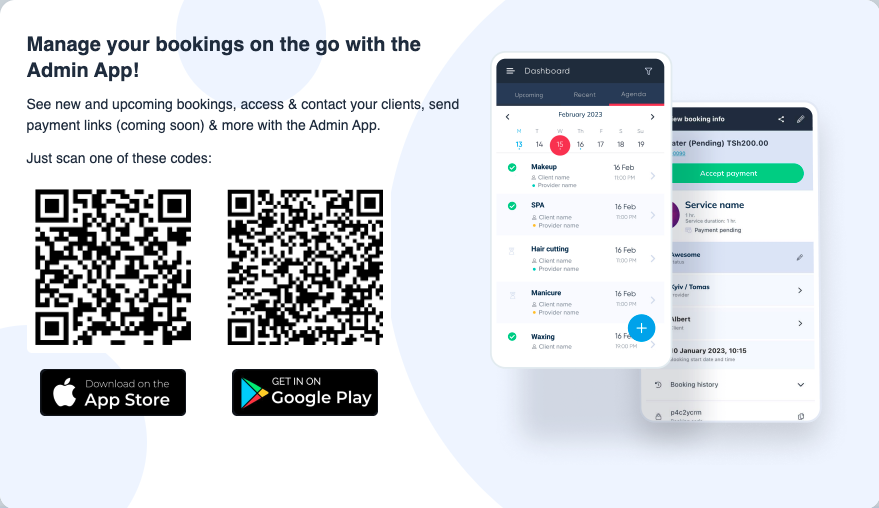
- Gestiona tu calendario y tus reservas con la potente aplicación móvil (iOS y Android)
- Acepta pagos sin contacto mediante la aplicación en el pago presencial
- Alta entregabilidad de correos electrónicos para confirmaciones de reserva y recordatorios de citas.
- Crea varios servicios, proveedores, categorías y ubicaciones
- Envía notificaciones por correo electrónico y SMS a tus clientes sobre sus reservas
- Añade botones de «Reservar ahora» en tu Instagram, Facebook y Perfil de Empresa en Google
- Vende membresías, paquetes & tarjetas regalo
- Gestiona reservas para clases & eventos
- Aumenta las ventas ofreciendo productos y extensiones de servicio en el proceso de reserva
- Campañas de marketing por correo electrónico y notificaciones push
- Listas de espera y funciones «Make me look busy»
- Ofrece cupones y un sistema de fidelización para reforzar la fidelidad a la marca
- Información y estadísticas sobre tus reservas, citas, cancelaciones, carga de trabajo e ingresos
- Ajusta la configuración de zona horaria si tienes clientes en distintas zonas horarias
- Crea horarios individuales para el personal
- Crea varios usuarios relacionados con proveedores
- Aceptar pagos y/o depósitos para confirmar las reservas en el proceso de reserva
- Easily implement your booking widget with a block in the Block Editor, an Elementor widget or a shortcode
SimplyBook.me can be used for free up to 50 appointments per month. In addition, you can use one of the Special features for free! After creating an account, you will automatically be signed up for a Free 14-day trial, which allows you to test the Special Features without any restrictions, including advanced scheduling tools. When the trial ends, you can select the Free plan on the Plans & Prices page and keep using SimplyBook.me for free.
¿Por qué SimplyBook.me?
SimplyBook.me is the online booking system behind the plugin. Your clients book your services on your site at any time. You manage the bookings in the plugin dashboard, the SimplyBook.me admin panel or the mobile app.
- Fewer no-shows. SimplyBook.me sends automatic email and SMS reminders for every booking.
- No double bookings. Services, providers and schedules live in one calendar. Clients only see free time slots.
- Insight into your business. See statistics on bookings, cancellations, workload and revenue.
- More revenue per booking. Offer service add-ons, products, memberships, packages and gift cards during booking.
- Fill quiet days. Send email campaigns and offer coupons or loyalty points to your clients.
- Manage on the go. Accept, move or cancel bookings in the mobile app for iOS and Android.
Thousands of businesses all over the world use SimplyBook.me. Read more at SimplyBook.me.
This is the official SimplyBook.me plugin. SimplyBook.me and Really Simple Plugins develop it together. SimplyBook.me is ISO 27001 certified. The plugin stores your settings, bookings and client data on SimplyBook.me through its API. Read the External services section below for each service the plugin connects to, the data it sends, and the privacy policy and terms of each service.
What the plugin does for you
The plugin brings SimplyBook.me into your WordPress dashboard. You do not need to leave WordPress to get started.
- Start in minutes. Register a free SimplyBook.me account from the plugin onboarding, or log in with an existing account. Custom domains and 2FA are supported.
- Place the widget anywhere. Add the booking calendar with the SimplyBook.me block in the Block Editor, with the SimplyBook.me widget in Elementor, or with a shortcode in any page, post or template.
- Match your theme. The plugin reads your theme colors and uses them as the default widget style. Adjust colors and layout in the settings.
- Manage services in WordPress. Create and edit services, service providers and their details from the plugin.
- Keep track. The plugin dashboard shows your recent bookings and open setup tasks.
External services
This plugin is a bridge between your WordPress site and your SimplyBook.me booking system. It connects to the SimplyBook.me API to log you in, to save your company settings, and to load your bookings and statistics in the plugin dashboard. With each request it sends your site URL and the plugin, WordPress and PHP version to SimplyBook.me. The Plans & Prices page loads a subscription script from SimplyBook.me.
The booking widget shows the booking form to your visitors. It sends the IP address of the visitor when a page with the widget loads, and the booking data when the visitor books. Without a connected account, a demo widget on demowidgetwpplugin.simplybook.it receives the IP address instead.
During onboarding, the plugin can create a SimplyBook.me account for you. It sends your site URL and plugin installation data to the Really Simple Plugins account service (simplybook.rsp-auth.com) together with your account details when you submit the account form. Google reCAPTCHA Enterprise protects this form and receives the IP address and browser data of the admin. The same step shows a tutorial video from YouTube, which receives your IP address and browser data. No cookies are set before you play the video.
For more information:
- SimplyBook.me: Terms and Conditions & Privacy Policy
- Really Simple Plugins: Terms of Use & Privacy Statement
- Google reCAPTCHA: Terms of Service & Privacy Policy
- YouTube: Terms of Service & Privacy Policy
Source code
This plugin contains compiled JavaScript in react/build/ and assets/block/build/. The uncompiled source code is publicly available at https://github.com/Really-Simple-Plugins/simplybook. The source of the admin app is located in react/src/ and the source of the block is located in assets/block/src/.
To build the admin app, run npm install and npm run build in the react/ directory. To build the block, run npm install and npm run build in the assets/block/ directory.
About Really Simple Plugins
Really Simple Plugins is the creator of several widely used plugins, including Really Simple Security and Complianz. With a total of ~5 million installs, we focus on making the most user-friendly and easy-to-use plugins. We work with SimplyBook.me to make the most powerful booking system available directly in your WordPress dashboard.
Capturas
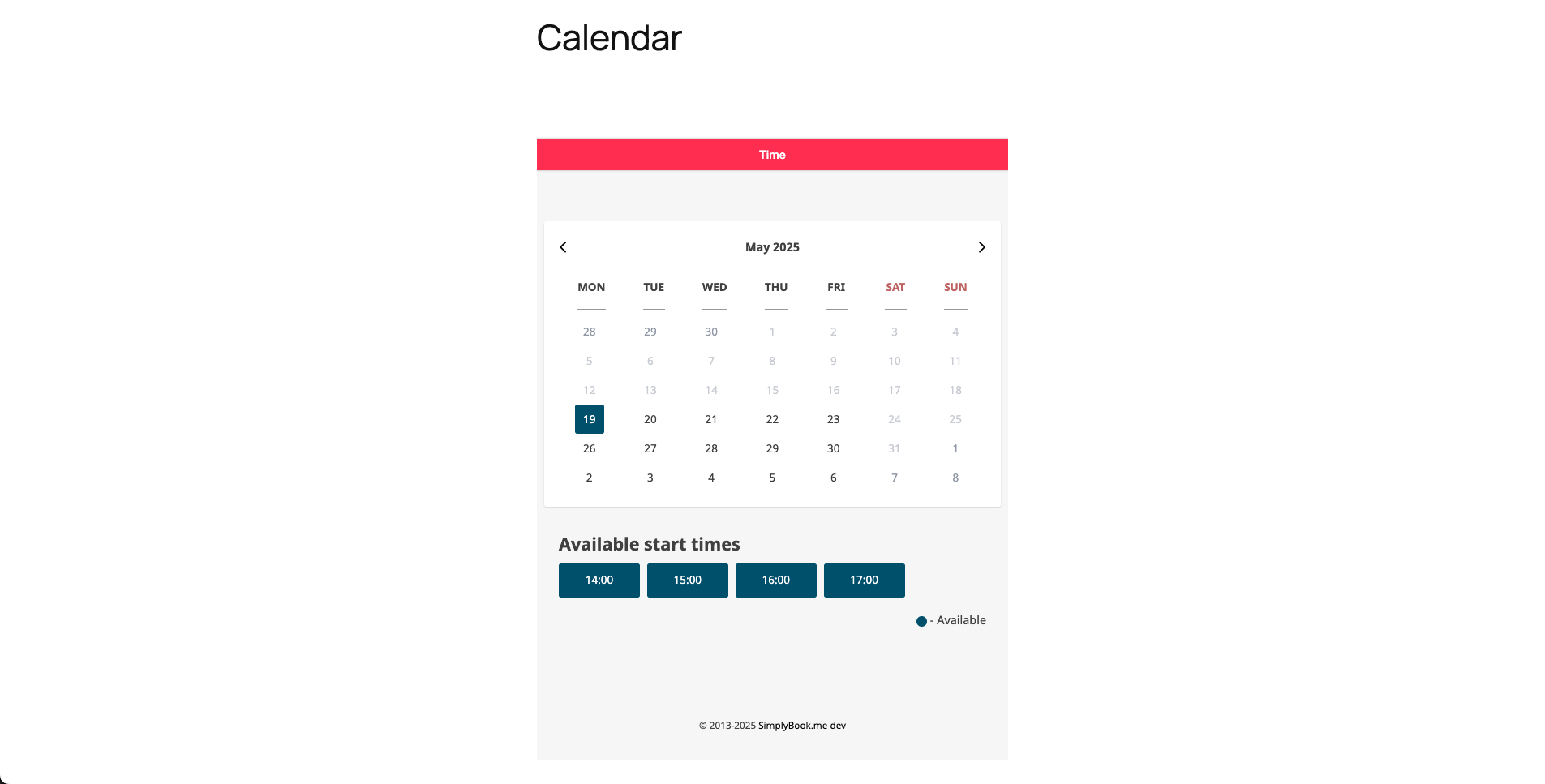
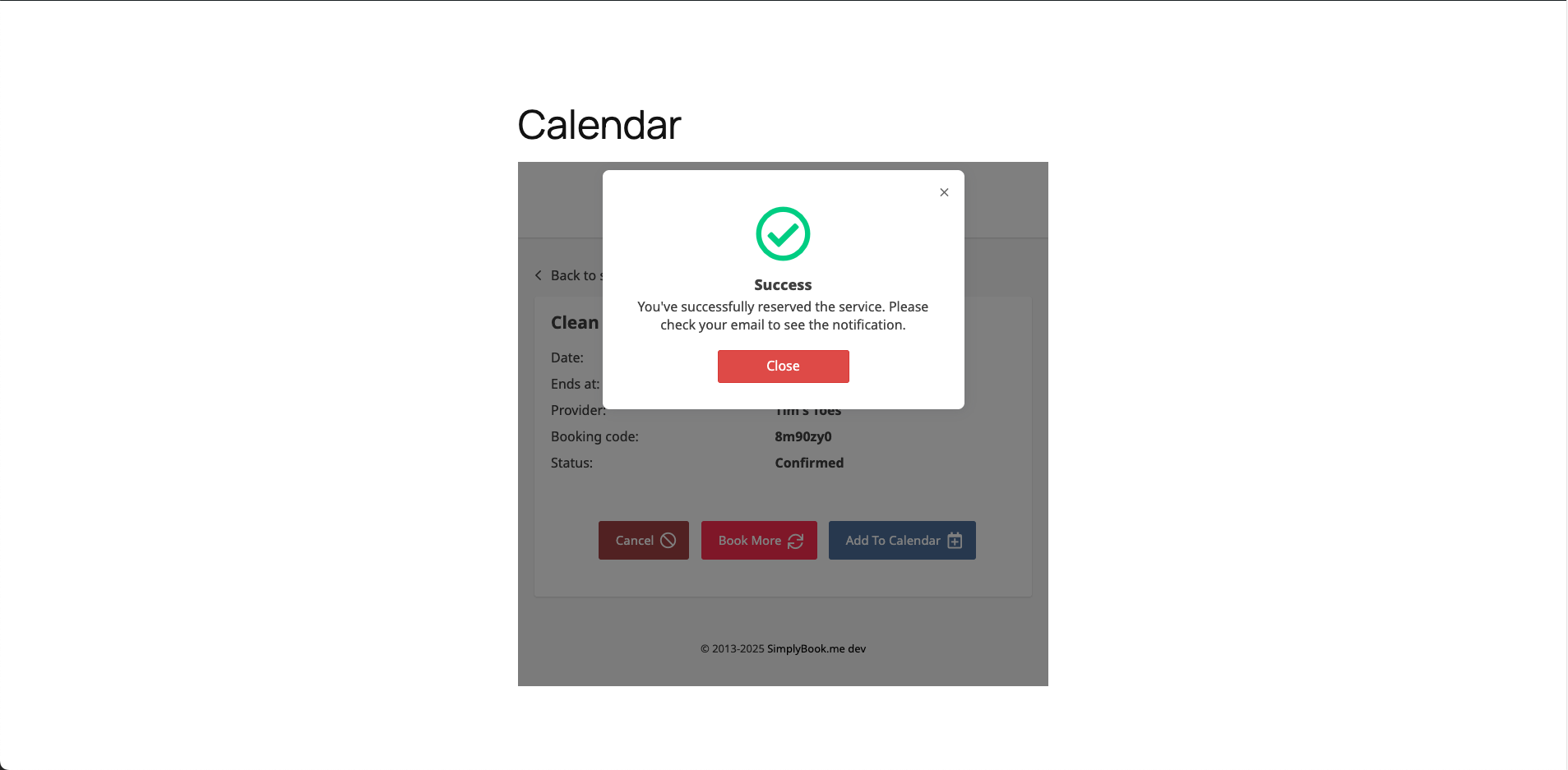
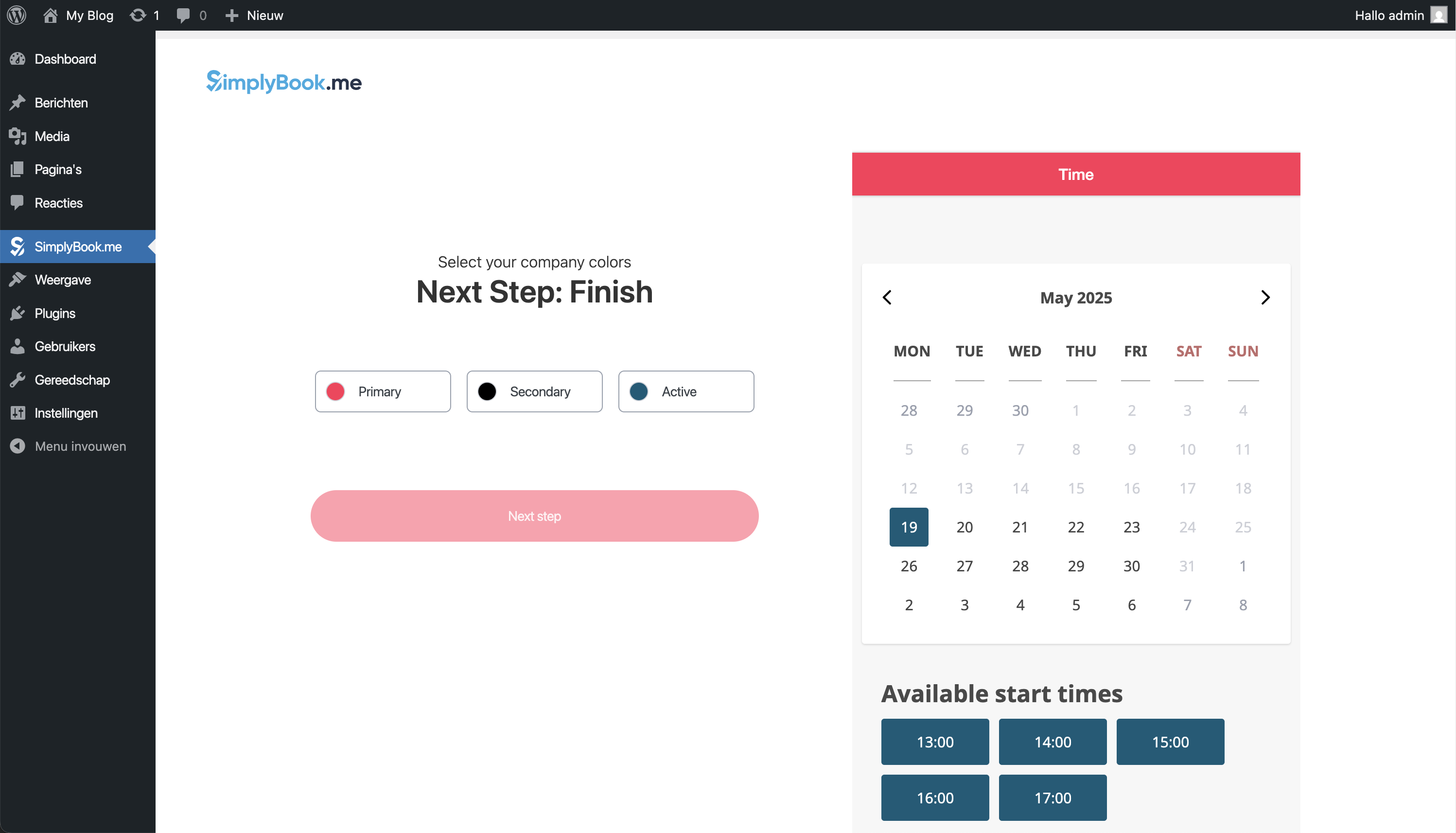
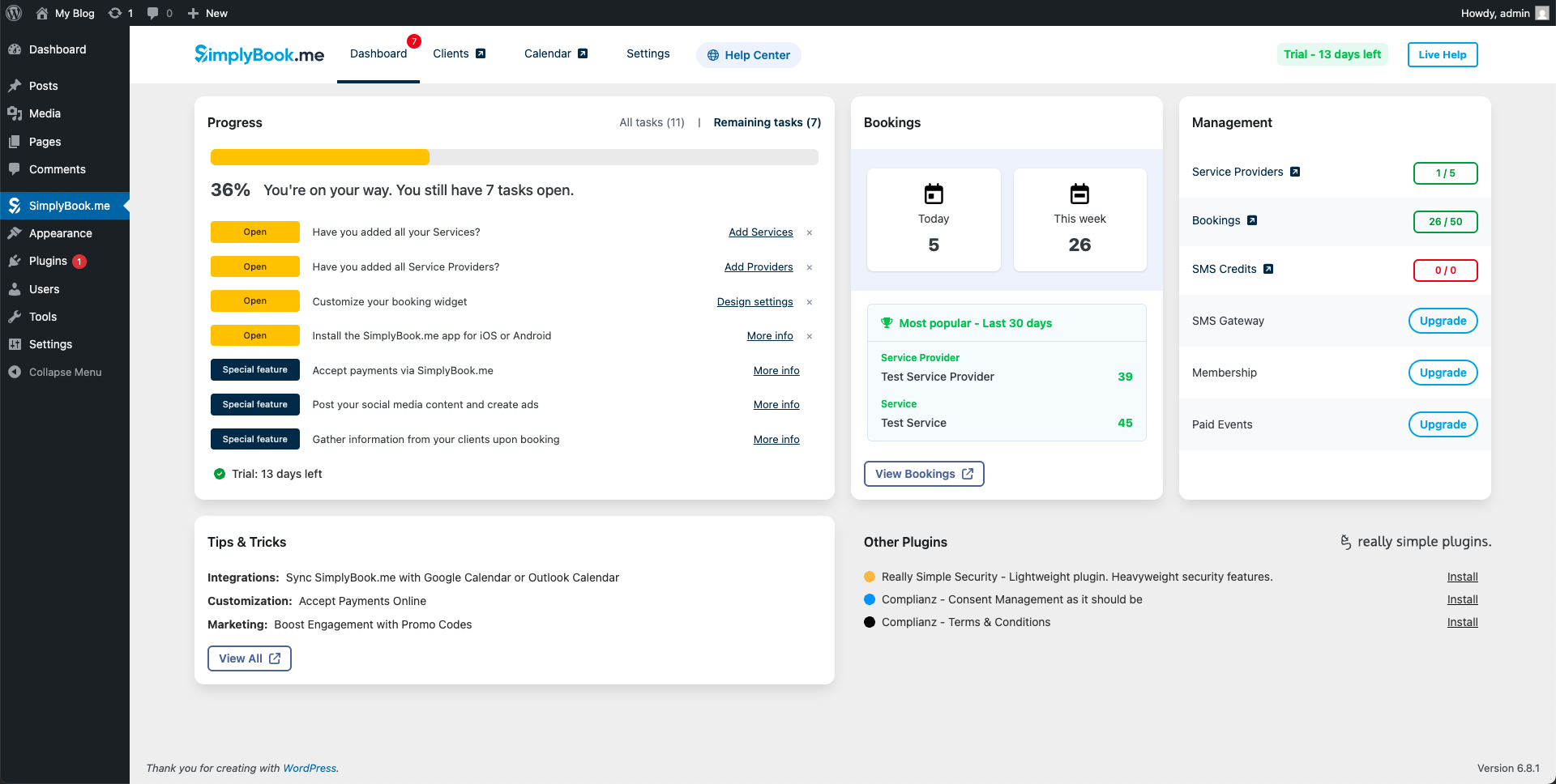
Bloques
Este plugin proporciona 1 bloque.
- SimplyBook.me Booking Widget Let visitors book your services online with SimplyBook.me.
Instalación
You can find detailed instructions with photos on the SimplyBook.me website.
FAQ
-
¿Es gratuito utilizar SimplyBook.me?
-
Yes. The plugin is free and SimplyBook.me offers a free plan. You do not need to enter credit card details to create an account. On the Free plan you can publish the booking widget, manage your bookings in the SimplyBook.me mobile app for iOS and Android, and accept up to 50 bookings per month. You can also use one of the SimplyBook.me Special Features on the Free plan.
-
Can I try the Special Features before subscribing?
-
Yes. Every new account automatically gets a 14-day trial with all Special Features, unlimited service providers and unlimited bookings. After the trial you can select the Free plan on the Plans & Prices page in the plugin, or choose a paid plan if you want to use more Special Features or need more than 50 bookings per month.
-
¿Necesito registrarme para obtener una cuenta?
-
Yes. Your bookings are processed through the SimplyBook.me API, so the plugin needs to connect your site to a SimplyBook.me account. This is what makes features like the mobile app, email and SMS reminders and payment collection possible. The plugin guides you through a short onboarding, or you can register at SimplyBook.me first.
-
What if I already have a SimplyBook.me account?
-
Skip the onboarding and log in with your existing credentials. Custom SimplyBook.me domains and email two-factor authentication (2FA) are supported at login.
-
How do I add the booking calendar to my site?
-
The plugin creates a «Book now» page for you during onboarding. You can also place the booking widget anywhere on your site with the SimplyBook.me block in the Block Editor, the SimplyBook.me Elementor widget or a shortcode.
-
Will the booking widget match my theme?
-
Yes. The plugin reads your theme colors and uses them as the default widget style. You can change the colors and layout at any time in the plugin settings.
-
Where do I manage my bookings?
-
Wherever suits you. The plugin dashboard in WordPress shows your recent bookings and open setup tasks. You can also manage everything in the SimplyBook.me admin or accept, move and cancel bookings on the go in the mobile app for iOS and Android.
-
Can I manage my services and staff from WordPress?
-
Yes. You can create and edit services, service providers and their details directly in the plugin. More advanced options, such as multiple locations, categories and individual staff schedules, are available in the SimplyBook.me admin.
-
Can I accept payments or deposits?
-
Yes. You can require full payment or a deposit to confirm a booking, and you can sell products and service add-ons during the booking process. Payments are handled by SimplyBook.me and can be configured in your SimplyBook.me account.
-
Does SimplyBook.me send reminders to my clients?
-
Yes. SimplyBook.me sends automatic email and SMS confirmations and reminders for every booking, which helps reduce no-shows. You can also run email and push notification campaigns to your client base.
-
Can I take bookings for classes, events, memberships or gift cards?
-
Yes. SimplyBook.me supports classes and events with multiple attendees, and lets you sell memberships, packages and gift cards. These are part of the Special Features. You can use one Special Feature on the Free plan, or more on a paid plan.
-
My clients are in different time zones. Will the booking times be correct?
-
Yes. SimplyBook.me includes time zone settings so clients in other time zones see the available times in their local time.
-
Why do I see a demo widget on my site?
-
The plugin shows a demo widget until your site is connected to a SimplyBook.me account. Complete the onboarding or log in with an existing account and the demo widget is replaced by your own booking calendar.
-
What are the requirements for this plugin?
-
The plugin requires WordPress 6.6 or higher and PHP 7.4 or higher. The WordPress REST API must be enabled, as the plugin uses it to communicate with your site. The plugin will show a notice if the REST API is disabled.
-
Where is my booking data stored?
-
Your settings, bookings and client data are stored in your SimplyBook.me account through the SimplyBook.me API, not in your WordPress database. SimplyBook.me is ISO 27001 certified. See the External services section on this page for each service the plugin connects to and the data it sends.
-
Where can I get help?
-
Step-by-step instructions with screenshots are available in the SimplyBook.me help center. For questions about the plugin, you can post in the support forum on WordPress.org.
Reseñas

Colaboradores y desarrolladores
«SimplyBook.me – Calendario de reservas y citas» es un software de código abierto. Las siguientes personas han colaborado con este plugin.
Colaboradores


«SimplyBook.me – Calendario de reservas y citas» está traducido en 19 idiomas. Gracias a los traductores por sus contribuciones.
Traduce «SimplyBook.me – Calendario de reservas y citas» a tu idioma.
¿Interesado en el desarrollo?
Revisa el código , echa un vistazo al repositorio SVN o suscríbete al registro de desarrollo por RSS.
Registro de cambios
3.5.0 – 2026-09-29
- Security: Hardened the booking widget on your site against script injection.
- Security: Blocked direct browser access to plugin files that could run code when opened directly.
- Security: All REST API routes now explicitly check user permissions.
- Security: The Plans & Prices page now loads the payment widget only from trusted SimplyBook.me sources.
- Fixed: Console errors in the block editor on WordPress 7.1.
- Fixed: Account creation now validates the exact email address you entered instead of a sanitized value.
- Fixed: The plugin now stores its version correctly after an update.
- Fixed: The provider limit message was shown twice in the Service Providers settings.
- Added: kellydekker is added as contributor.
- Added: «Remind me tomorrow» and «Don’t show again» buttons to the trial expiration notice.
- Added: Documentation of the external services the plugin uses in the readme.
- Added: A link to the public source code on GitHub in the readme.
- Added: A README.md with setup, installation and contribution instructions.
- Added: An error message with a retry button when the Plans & Prices page could not load.
- Changed: The Plans & Prices page is now only shown after your site is connected to SimplyBook.me.
- Changed: The block can now be added only once per page.
- Changed: The buttons in the review and onboarding notices no longer reload the page.
- Changed: The onboarding video now loads from youtube-nocookie.com.
- Changed: Improved the wording of texts in the plugin.
- Changed: Rewrote the plugin description and added more questions to the FAQ.
- Changed: The marketing consent checkbox in the account setup is now unchecked by default.
- Changed: The trial expiration notice is no longer shown on the plugin dashboard.
- Changed: Installing a plugin from the «Other plugins» section no longer affects other WordPress behavior.
- Changed: Made previously untranslated texts translatable.
- Changed: Updated third-party libraries to their latest versions.
- Removed: The seasonal promotions from the dashboard.
- Removed: The «Live Help» button and the third-party chat script.
- Removed: Font Awesome Pro icons; the plugin now uses free icons only.
3.4.0 – 2026-08-19
- Added: The plugin now uses the WordPress Abilities API
- Added: New submenu to manage your SimplyBook.me plans and prices.
- Added: The Metricool WordPress plugin is added to the «Other plugins» section.
- Added: Stricter theme setting validation.
- Changed: The title of the generated booking page now defaults to «Book now».
- Changed: reCAPTCHA description no longer mentions the Google policies.
- Changed: The informative sign-up notice is triggered after installation.
- Changed: Tested up to version to WordPress 7.1.
- Fixed: Marketing opt-in choice is retained after a failed submission.
- Fixed: The «Add new provider»-button is now reacting reliably.
- Fixed: Added missing translations for theme settings.
- Fixed: New translatable texts are now reliably added to the .pot file.
3.3.1 – 19/05/2026
- Cambiado: Probado hasta la versión 7.0 de WordPress.
- Modificado: ahora se usa PHP Mess Detector en el desarrollo, mejorando el estilo del código.
- Corregido: los avisos de administración ahora pueden activarse de forma fiable después de que haya pasado el periodo x.
- Corregido: Los reintentos en segundo plano ahora permiten correctamente hasta 3 intentos, lo que mejora la puesta en marcha.
- Corregido: las clases de variables ahora se cargan condicionalmente de forma fiable.
- Corregido: desplegables de bloques de Gutenberg con las dimensiones adecuadas.
3.3.0 – 16/02/2026
- Corregido: El mensaje «el formulario contiene errores» se mostraba brevemente en los ajustes.
- Corregido: Los enlaces directos de SimplyBook.me ahora funcionan con enlaces permanentes simples.
- Corregido: la validación de la API REST ahora es más fiable.
- Corregido: incidencia que impedía a algunos usuarios crear servicios o proveedores de servicios.
- Corregido: problema de visualización cuando no se proporcionaba ningún nombre para un servicio (proveedor).
- Añadido: Ahora el acceso admite dominios personalizados de SimplyBook.me.
- Añadido: Ahora se admite la 2FA por correo electrónico durante el acceso.
- Cambiado: Se ha acortado el flujo de puesta en marcha.
- Modificado: Se ha cambiado el nombre del botón «Editar todas las propiedades» a «Ajustes avanzados» para mayor claridad.
3.2.4 – 17/12/2025
- Corregido: los códigos de respuesta de la API ahora reflejan mejor el error real.
- Corregido: Los selectores de color ya no se muestran detrás del pie del formulario.
- Corregido: tasks-endpoint optimizado.
- Corregido: La redirección al Escritorio después de la puesta en marcha ahora funciona de forma fiable.
- Corregido: Se ha resuelto un error durante el acceso para dominios específicos de SimplyBook.me.
- Corregido: Ya no se aceptan tipos de valor no válidos de la caché de objetos para evitar errores.
- Corregido: Ahora invalidamos correctamente la caché de objetos relativa a los archivos JavaScript.
- Modificado: Se han mejorado los estilos RTL para los idiomas que lo requieren.
3.2.3.1 – 03/12/2025
- Corregido: error de JavaScript en el Escritorio al tener WordPress 6.9 instalado.
- Añadido: Probado hasta la versión 6.9 en readme.txt.
3.2.3 – 20/11/2025
- Corregido: El paso de «confirmar correo electrónico» ya no se puede omitir, lo que evita que los usuarios se queden atascados.
- Corregido: ahora los ajustes del tema se pueden obtener independientemente de los ajustes estrictos del servidor.
- Corregido: Las traducciones ya no se escapan varias veces, lo que evita problemas de visualización.
- Corregido: El bloque personalizado ahora es compatible con el editor del sitio completo.
- Cambiado: El bloque de consejos y trucos tiene un nuevo diseño para mejorar la legibilidad.
- Cambiado: Optimización del código para reducir los tiempos de carga.
3.2.2.1 – 27/10/2025
- Corregido: error durante la desinstalación.
3.2.2 – 21/10/2025
- Añadido: aviso de administración para usuarios con el plugin obsoleto.
- Cambiado: El plugin ahora utiliza una nueva arquitectura de código.
- Eliminado: constantes obsoletas: SIMPLYBOOK_VERSION, SIMPLYBOOK_PATH, SIMPLYBOOK_URL & SIMPLYBOOK_PLUGIN.
3.2.1 – 13/10/2025
- Añadido: aviso de administración para la suscripción de prueba caducada (o a punto de caducar).
- Modificado: Los endpoints de puesta en marcha ahora están limitados solo al área de administración.
- Corregido: ReCaptcha ahora se restablece después de un código de correo electrónico no válido, lo que evita fallos persistentes.
- Corregido: La instalación del plugin durante la inserción del bloque de Gutenberg ya no produce errores.
3.2.0 – 21/08/2025
- Añadido: Ahora el widget se puede implementar usando un bloque de Elementor de SimplyBook.me.
- Añadido: los estilos del tema se usan como estilo por defecto para el widget durante la puesta en marcha.
- Añadido: Las tareas del Escritorio ahora pueden abrir una ventana emergente para obtener más información.
- Cambiado: Los servicios y los proveedores de servicios ahora se pueden gestionar en el plugin.
- Cambiado: se ha reducido la carga del plugin en la administración de WordPress.
- Modificado: Se ha mejorado la estabilidad de la conexión con el sistema de SimplyBook.me.
- Cambiado: Se han mejorado las traducciones al sueco.
- Corregido: La advertencia al salir de la página ahora solo aparece cuando hay cambios sin guardar.
- Corregido: Se ha añadido el espaciado que faltaba en el botón del Escritorio.
3.1.1 – 17/07/2025
- Añadido: los dominios bookingsystem.nu y simplybooking.io ahora son compatibles al acceder.
- Añadido: aviso mostrado cuando la API REST de WordPress está desactivada.
- Añadido: Se han mejorado los mensajes de error durante el acceso.
- Corregido: Las redirecciones ahora funcionan en instalaciones en subcarpetas.
- Corregido: ahora los errores de creación de cuenta se gestionan correctamente.
- Corregido: La barra de progreso ahora se carga correctamente en los ajustes.
- Corregido: Los estilos del plugin ya no afectan a la alineación de las imágenes en el menú de WP.
- Corregido: Ahora el proveedor predefinido se guarda correctamente en el bloque de Gutenberg.
- Corregido: La redirección a los ajustes solo se produce cuando se instala desde la vista de plugins.
- Corregido: El error de actualización de 2.x a 3.x ya no se produce.
- Corregido: Ahora el cierre de sesión funciona con la caché de objetos activada.
- Corregido: se han resuelto los problemas de carga del Escritorio evitando la caché obsoleta del navegador.
3.1.0 – 17/06/2025
- Añadido: markwolters y rvvelthuijsen se han añadido como colaboradores.
- Añadido: Los textos de ayuda de los ajustes ahora se muestran en información emergente.
- Modificado: Las instrucciones para publicar el widget ahora responden a las acciones del usuario en las entradas.
- Cambiado: Se han eliminado archivos innecesarios para reducir el tamaño del paquete del plugin.
- Eliminado: Opción de dominio duplicada del desplegable de acceso.
- Corregido: Ahora se aceptan nombres de usuario que no son correos electrónicos al acceder.
- Corregido: error de consola en onboarding-start resuelto.
- Corregido: se han resuelto varios errores de consola en el acceso con 2FA.
- Corregido: el bloque de Gutenberg ahora se registra correctamente con la API V2, resolviendo un aviso de consola.
- Corregido: Ahora se muestra correctamente el mensaje de error cuando se introduce un código 2FA no válido.
- Corregido: el aviso del widget de demostración ahora solo aparece cuando el widget cargado es realmente una demo.
- Corregido: Ya está resuelta la pérdida inesperada de conexión con SimplyBook.me.
3.0.0 – 20/05/2025
- Gran reprogramación del plugin por parte de Really Simple Plugins.
- Añadido: reallysimpleplugins, wimbraam y jeroenvdk se han añadido como colaboradores.
2.3
- Corregidos algunos fallos
- Añadido nuevo banner del Escritorio
2.2
- Corregidos algunos fallos no críticos
- Añadida una página de widget de demostración
2.1
- Corregidos algunos fallos no críticos
- Añadida la página para comprobar los requisitos del sistema
2.0
- Registro añadido
- Cambios de diseño
- Funcionalidad adicional
1.3
- Añadida compatibilidad con la característica personalizada del selector Cualquier empleado
- Añadida compatibilidad para pasar parámetros predefinidos en el shortcode
1.2
- Corregidos errores con la autorización
1.1
- Corregidos errores con la autorización
1.0
- Primera versión del plugin